


admin
WinDox Rainmeter Skin
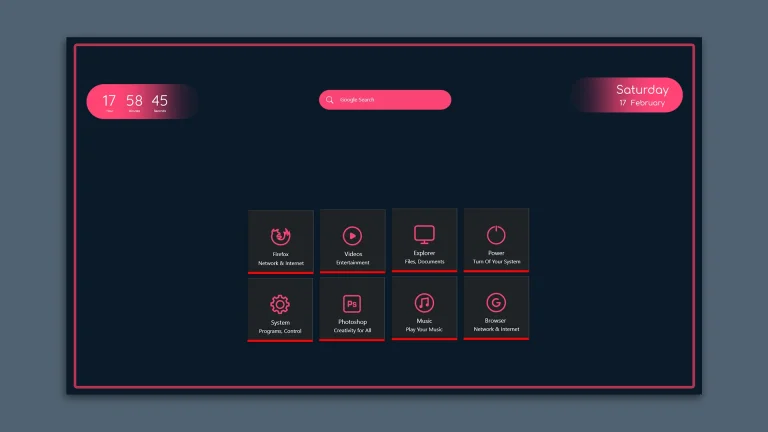
WinDox Rainmeter Skin:WinDox Rainmeter Skin is lightweight and fully customizable — change icon sets, colors, positions, or even blend it with other skins to match your unique setup. It supports high-resolution displays and works flawlessly on Windows 10 and 11.
Windows New UI Rainmeter Skin
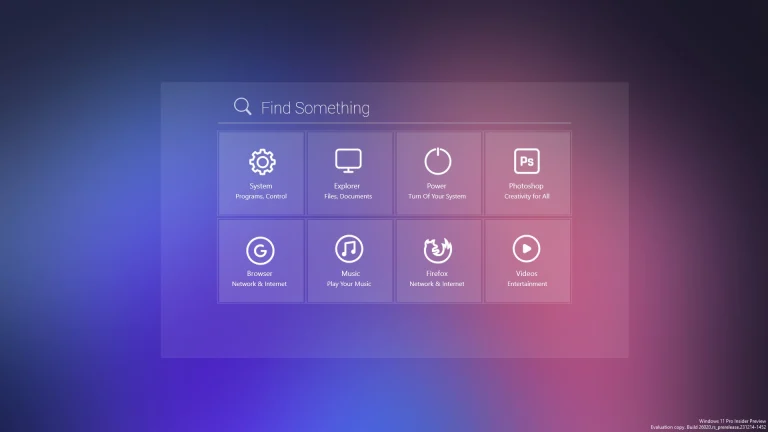
Windows New UI Rainmeter Skin:The Windows New UI Rainmeter Skin is a modern, sleek desktop customization suite designed to reflect the future of Windows user interface design.
Windows Dock Rainmeter Skin
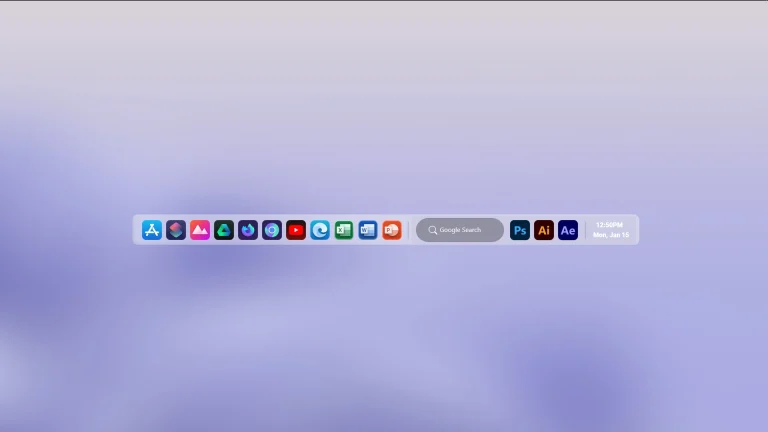
Windows Dock Rainmeter Skin:The Windows Dock Rainmeter Skin offers a stylish and functional dock-style launcher that brings a modern, macOS-inspired look to your Windows desktop
macOS Menu Bar Rainmeter Skin for Windows
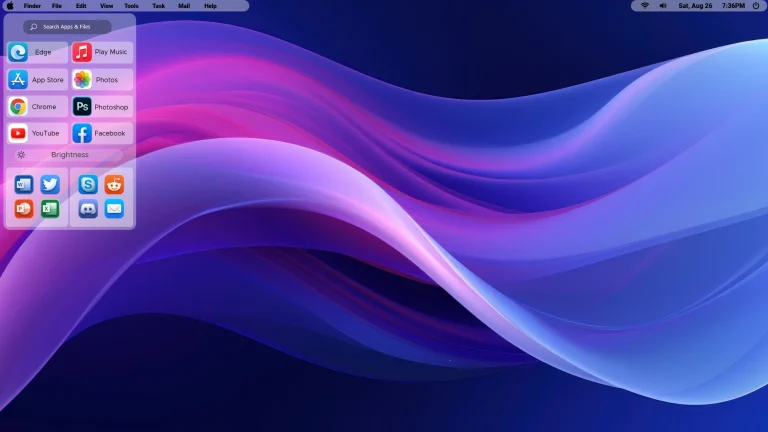
macOS Menu Bar Rainmeter Skin for Windows : macOS Menu Bar Rainmeter Skin for Windows is a simple way to give the top of your desktop a cleaner, more organized look. It uses a slim menu-bar layout inspired by macOS, with space for the time, selected system information, and useful desktop shortcuts.
Dock Style Taskbar For Windows 11
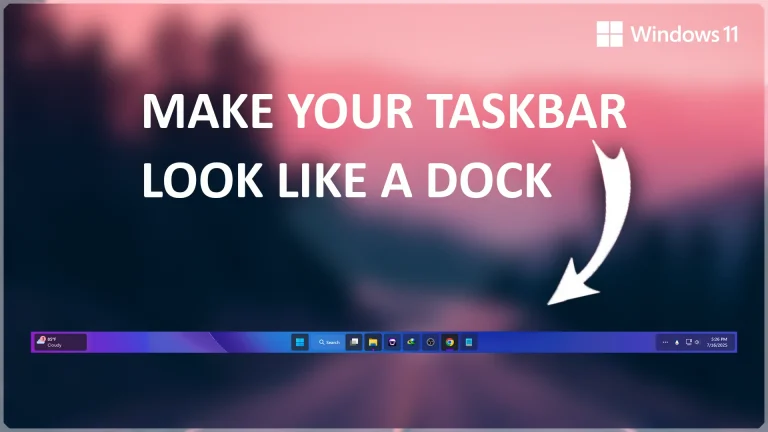
Get a clean Dock Style Taskbar for Windows 11 using Windhawk. Learn how to install, remove, customize, and fix common issues.
Elegant & Modern Rainmeter Suite

Elegant & Modern Rainmeter Suite:Transform your Windows desktop into a visually stunning and highly functional workspace with the Elegant & Modern Rainmeter Suite.
Glow Rainmeter Skin

Glow Rainmeter Skin:Glow Rainmeter Skin is a sleek, modern skin for Windows desktops, designed to give your interface a glowing desktop
Linux Inspired Menu Black Rainmeter Skin
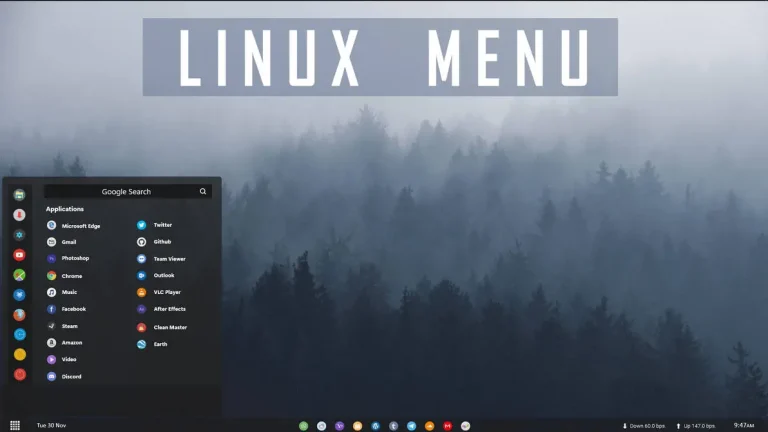
Linux Menu Black Rainmeter Skin:Black Linux
Linux Menu Black Rainmeter Skin
The Linux Menu Black Rainmeter Skin offers a sleek, minimalist interface designed for desktop users who appreciate the aesthetic of Linux-style UI. With its clean black theme and simple sidebar layout, this skin transforms your Windows desktop into a professional and functional workspace. The flat design ensures distraction-free navigation, making it perfect for coders, tech enthusiasts, or anyone who enjoys a Linux-inspired setup.
This Rainmeter skin includes a launcher menu with customizable app shortcuts, system stats (CPU, RAM, storage), and essential widgets like clock, date, and power controls. The lightweight configuration ensures low system resource usage while still providing high functionality and real-time data. Whether you're switching from Linux or just love the look, this skin enhances both style and productivity.
optimized for Rainmeter lovers, the Linux Menu Black Skin stands out for its unique blend of aesthetics and performance. It’s fully customizable, user-friendly, and compatible with most resolutions. Download today to give your desktop a modern, Linux-themed makeover with real usability.
- Rainmeter Skins
- Wallpaper
- Download & Install Rainmeter.
- Once installed, Rainmeter will start automatically
- Download the .rmskin file (Rainmeter Skin Installer format) Double-click the .rmskin file..
- The Rainmeter Skin Installer will open,Click Install to add it to Rainmeter.
- Right-click the Rainmeter icon in the system tray
- Navigate to Skins and select the installed skin.
- Click Load to apply it.
Theme Files
3MB
3MB
Rainmeter Skin is a minimalist and sleek Rainmeter skin inspired by the aesthetics of Linux operating systems.
Nord Inspired Menu Rainmeter Skin
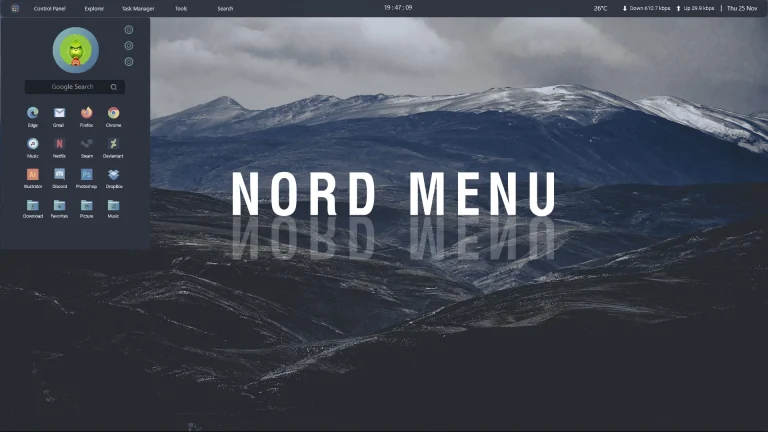
Nord Menu Rainmeter Skin:Nord Menu Rainmeter Skin is a clean, modern, and highly functional menu widget designed to bring a stylish, Nordic-inspired interface to your Windows desktop.
Simple Clean Rainmeter Suite
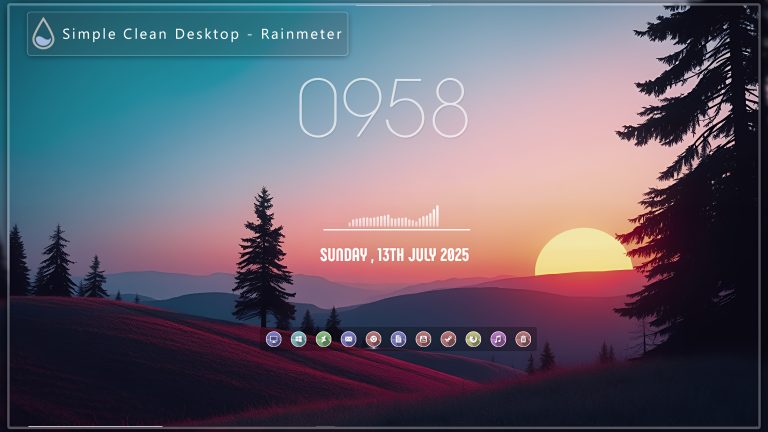
Simple Clean Rainmeter Suite:The Clean Minimalist Rainmeter Suite is a beautifully crafted skin pack designed for users who love simplicity, elegance, and functionality.