


admin
The Surface Rainmeter Skin V6
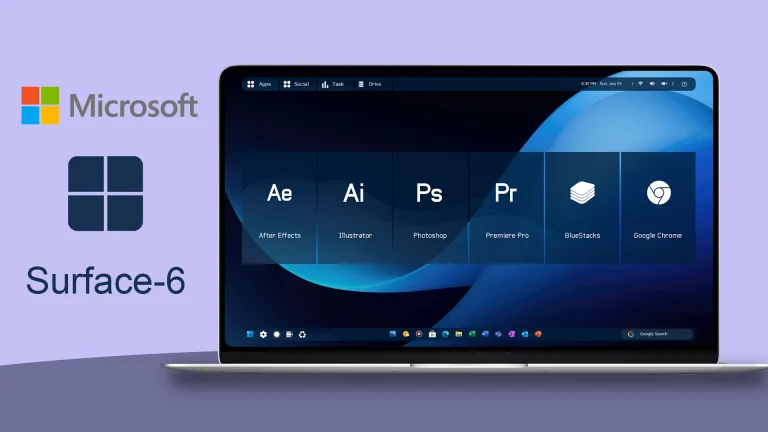
The Surface Rainmeter Skin V6:The Surface Rainmeter Skin V6 is a refined and futuristic desktop customization suite inspired by Microsoft’s Surface design language, reimagined for Rainmeter
Frost Glass V7 Rainmeter Skin
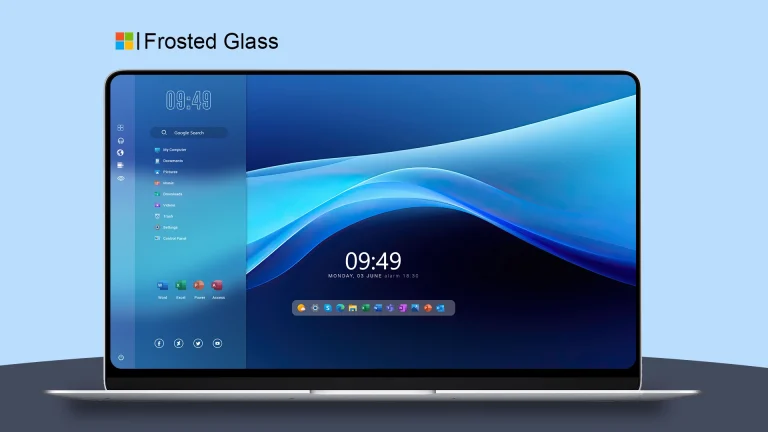
Frost Glass V7 Rainmeter Skin:The Frost Glass V7 Rainmeter Skin is a premium desktop customization suite that brings a stunning frosted glass aesthetic to your Windows environment.
White Sur Rainmeter Skin
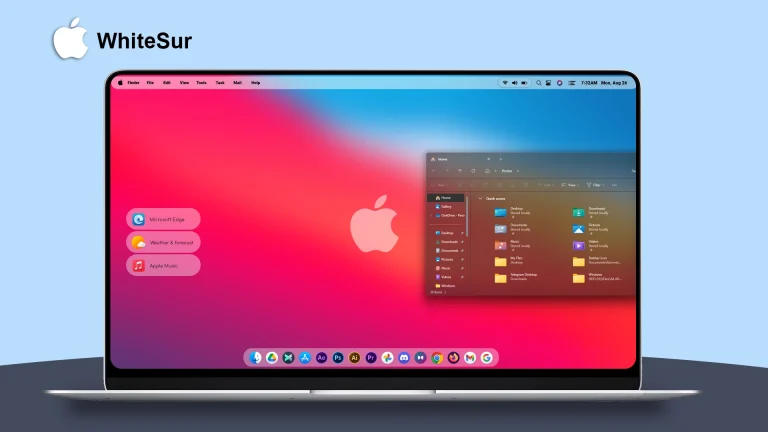
White Sur Rainmeter Skin : The White Sur Rainmeter Skin is a beautifully minimalist desktop customization inspired by macOS Big Sur's clean design, enhanced with a bright, elegant white theme
Surface Rainmeter Skin V2
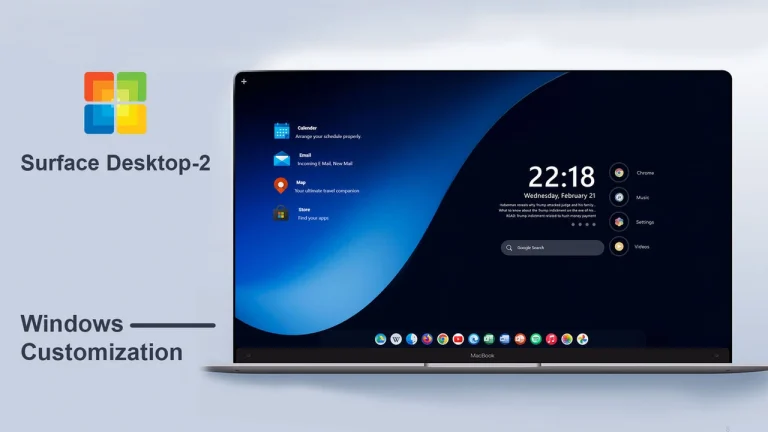
Surface Rainmeter Skin V2:The Surface Rainmeter Skin V2 is a sleek and modern desktop customization suite inspired by Microsoft’s Surface design language, offering a refined user interface that blends style and efficiency
Frosted Glass Remastered Rainmeter Skin
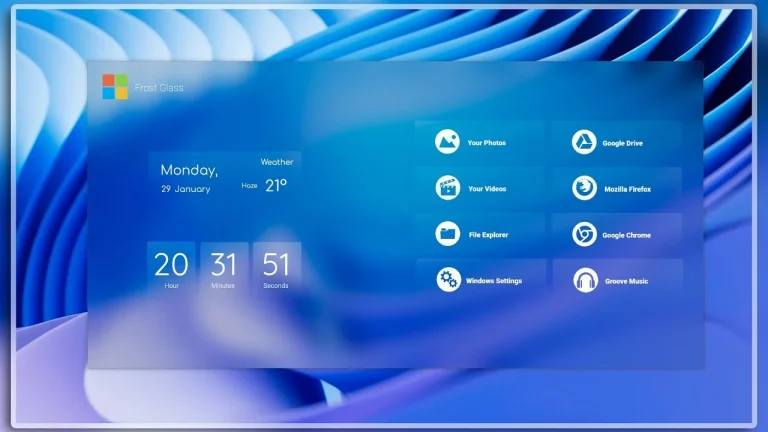
Frosted Glass Remastered Rainmeter Skin:Frosted Glass Remastered Rainmeter Skin is a beautiful and sleek desktop customization that takes the frosted glass look to a whole new level
Frost Glass UI Rainmeter Skin
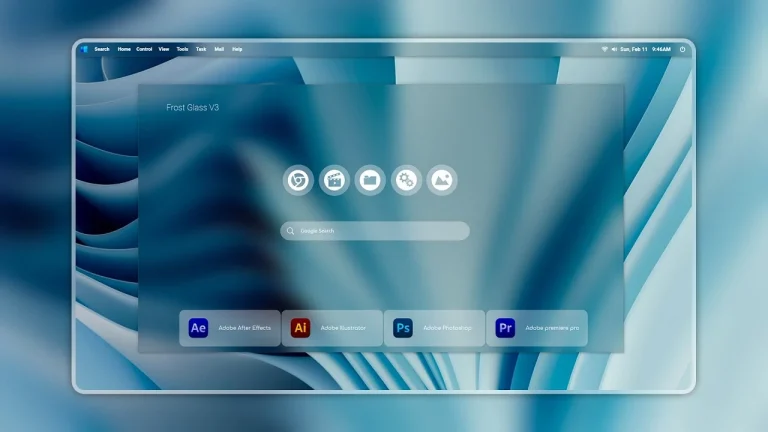
Frost Glass UI Rainmeter Skin:Frost Glass UI Rainmeter Skin combines modern looks with functionality, inspired by the frosted glass effect in modern UI’s.
macOS Nord Inspired Rainmeter Skin
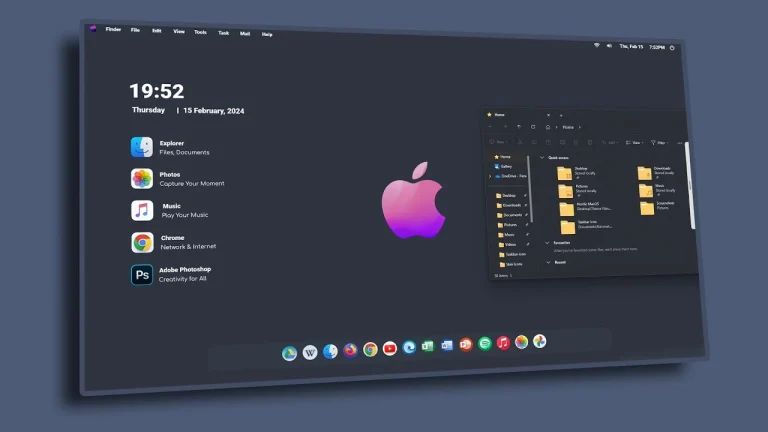
Transform your Windows desktop with macOS Nord Inspired Rainmeter Skin. Enjoy a clean dark interface, Nord color palette, dock-style layout, and customizable Rainmeter widgets.
Windows Start Menu Redesign Inspired Rainmeter Skin
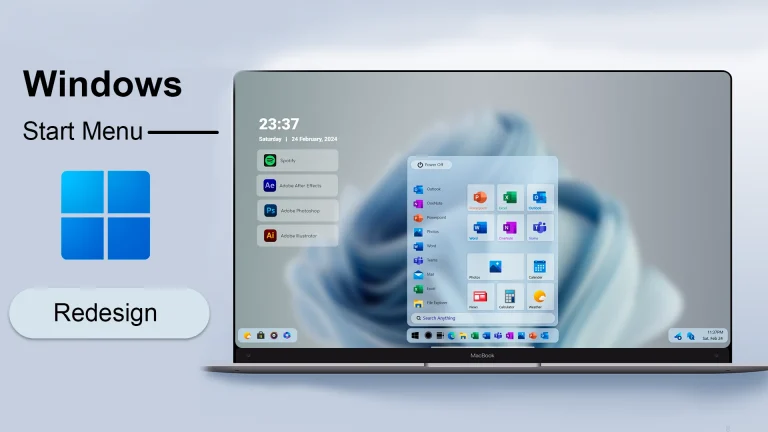
Download Windows Start Menu Redesign Rainmeter Skin and customize your desktop with a modern launcher-style interface, shortcuts, widgets, and clean Rainmeter design.
Windows Dark Start Menu Inspired Rainmeter Skin
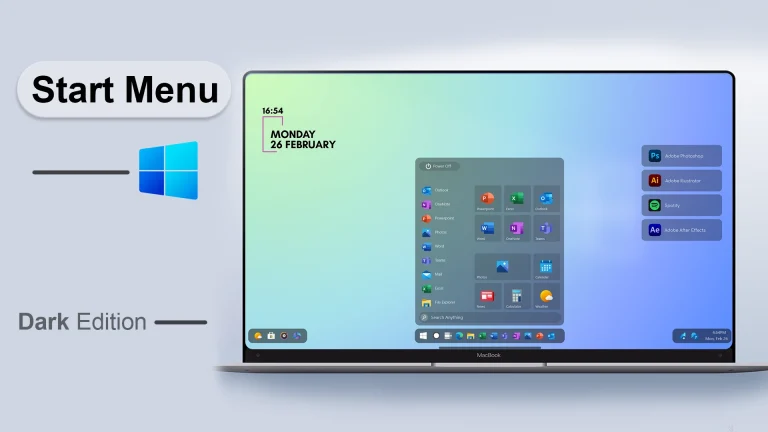
Download Windows Dark Start Menu Rainmeter Skin and customize your desktop with a dark launcher-style interface, shortcuts, widgets, and modern Rainmeter design.
Windows 8 Remastered Inspired Rainmeter Skin
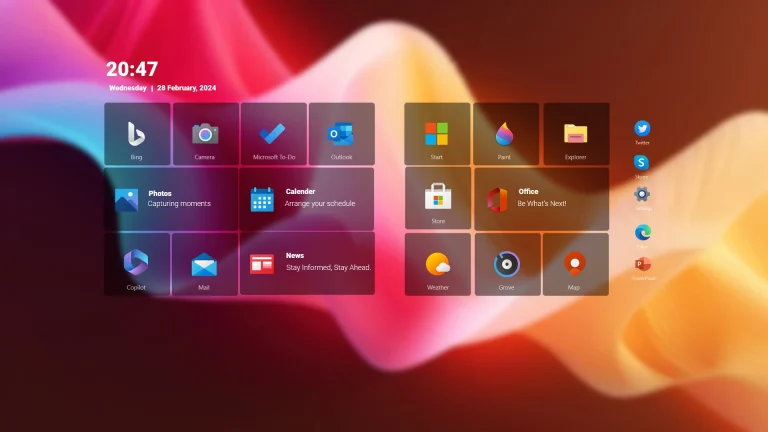
Download Windows 8 Remastered Rainmeter Skin and transform your desktop with colorful tiles, widgets, shortcuts, and a modern Metro-inspired Rainmeter setup.