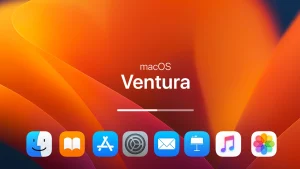
7tsp macOS Ventura Icon Pack for Windows 10 & 11
Install 7tsp macOS Ventura Icon Pack on Windows 10 & 11 to get clean, modern macOS-style system icons. Easily replace default Windows icons using 7tsp and enjoy a smooth, premium macOS Ventura look on your desktop.

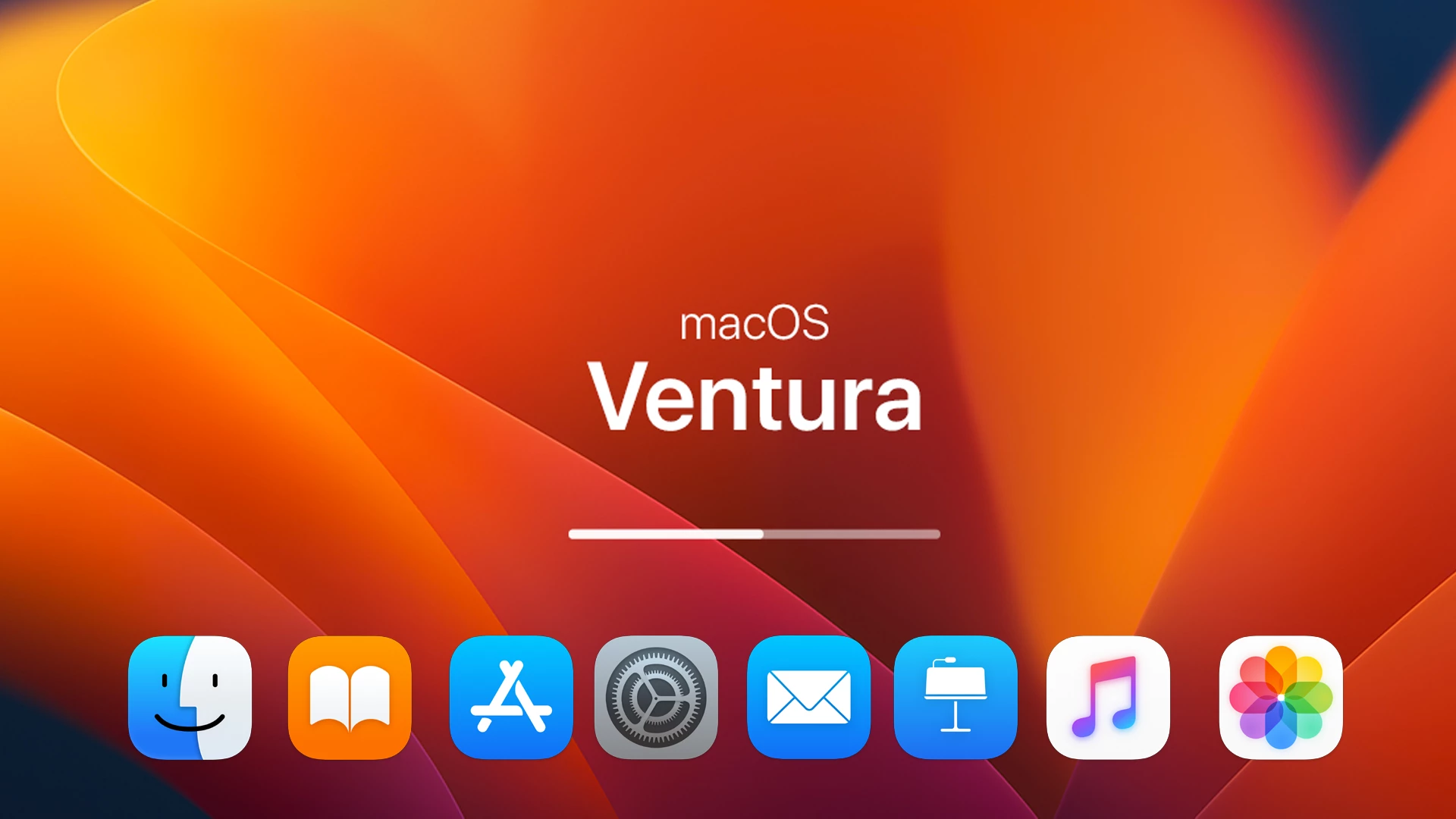
7tsp macOS Ventura Icon Pack for Windows 10 & 11
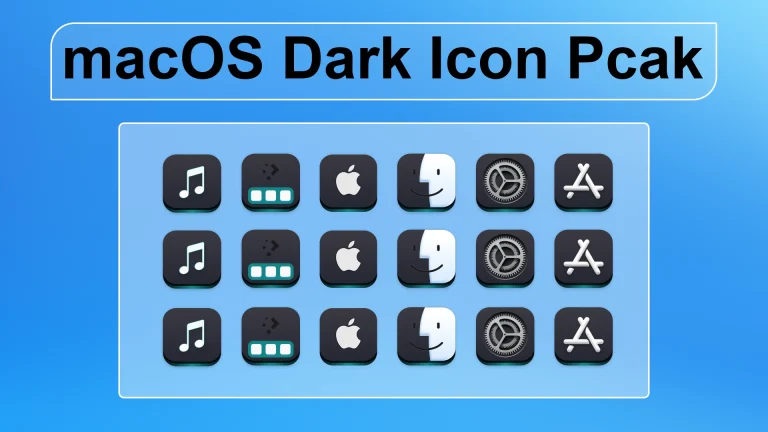
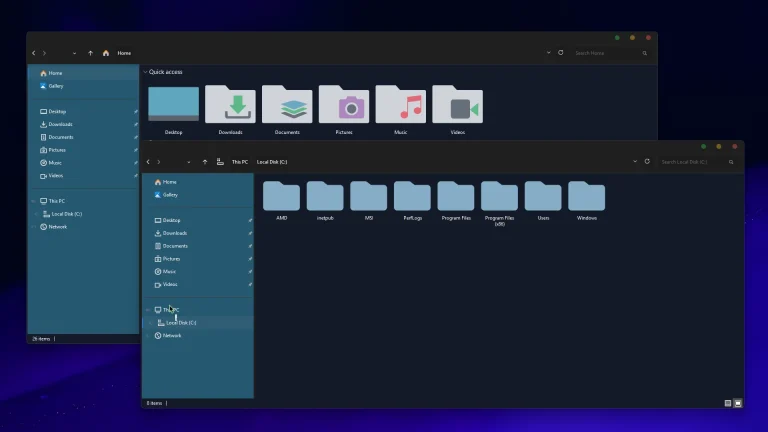
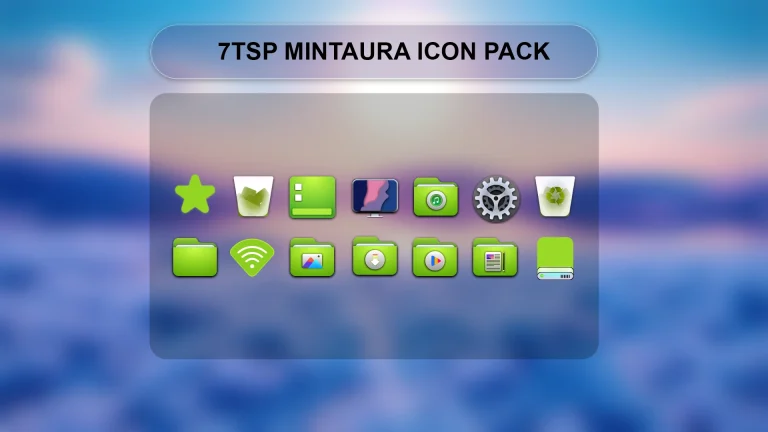
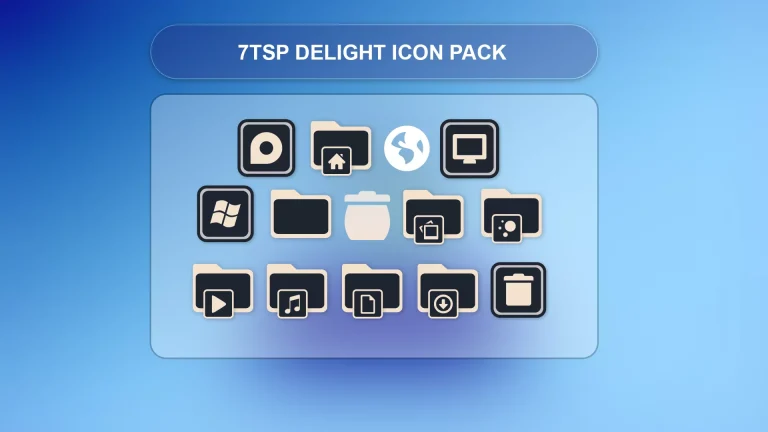
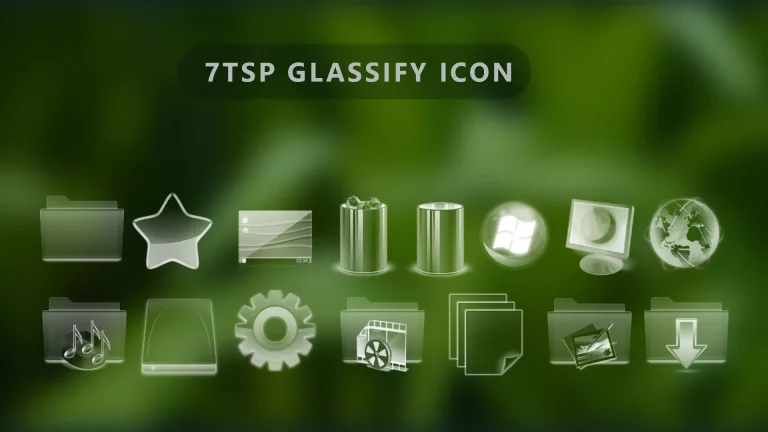
7tsp macOS Ventura Icon Pack for Windows 10 & 11 brings the fresh and modern macOS Ventura icon style to your Windows system. Inspired by Apple’s latest macOS design, this icon pack features clean shapes, soft colors, and a premium macOS look that upgrades your desktop instantly..
Using the 7tsp GUI tool, you can safely replace default Windows system icons without modifying core system files manually. This icon pack supports folders, system icons, drives, control panel icons, and many Windows UI elements. It works smoothly on both Windows 10 and Windows 11 and is perfect for users who love macOS-style customization.
The macOS Ventura icon style looks best with dark or light macOS-inspired themes, glass UI mods, and Nexus Dock setups. Whether you are a Windows customization enthusiast, YouTuber, or blogger, this 7tsp macOS Ventura Icon Pack helps you create a clean, modern, and professional macOS-like desktop experience on Windows..
- Windows 8/8.1
- Windows 10
- Windows 11
- 7TSP icon Pack
7TSP Icon Pack 9MB
DownloadFinalization
This icon pack is perfect for users who want a macOS-style desktop on Windows. It looks great with dark themes, glass effects, and macOS-style docks