Windows 12 Wallpapers Pack 4k
Windows 12 Wallpapers 4k:Perfect for tech enthusiasts, designers, and customization lovers, these wallpapers enhance any Rainmeter or Start Menu skin setup. Whether you're preparing a Windows customization video or simply refreshing your desktop look, Windows 12 wallpapers add that modern, professional finish.

Windows 12 Wallpaper Pack 4K
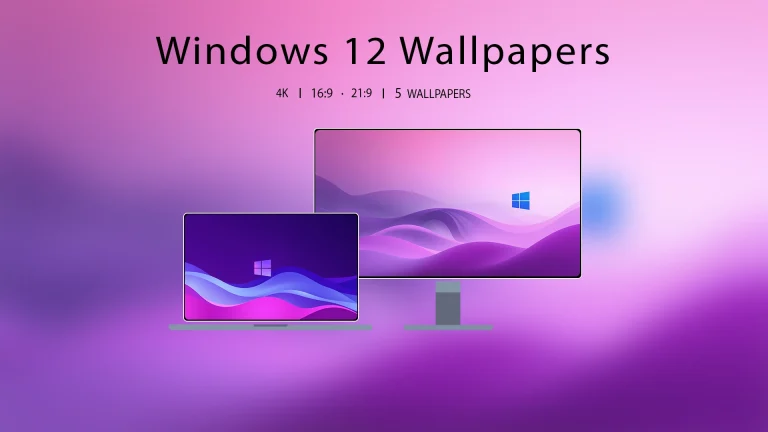
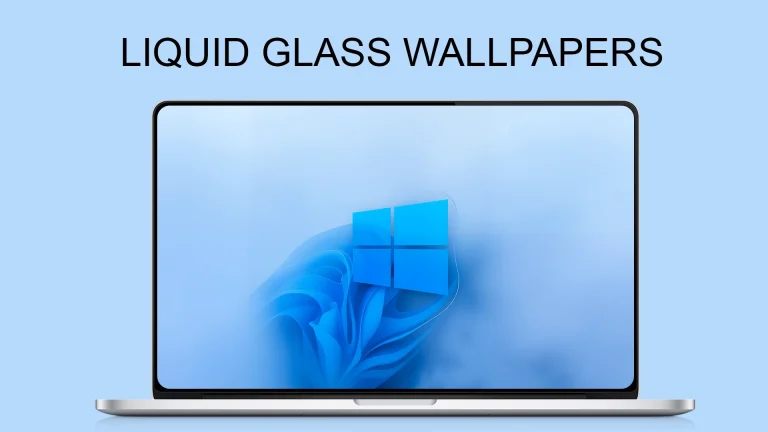
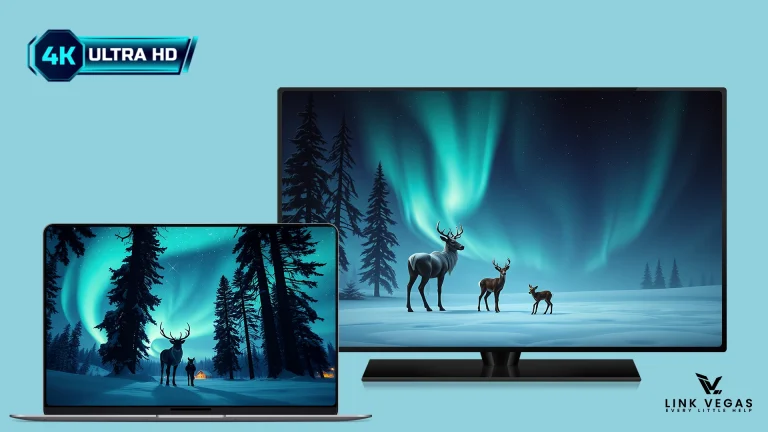
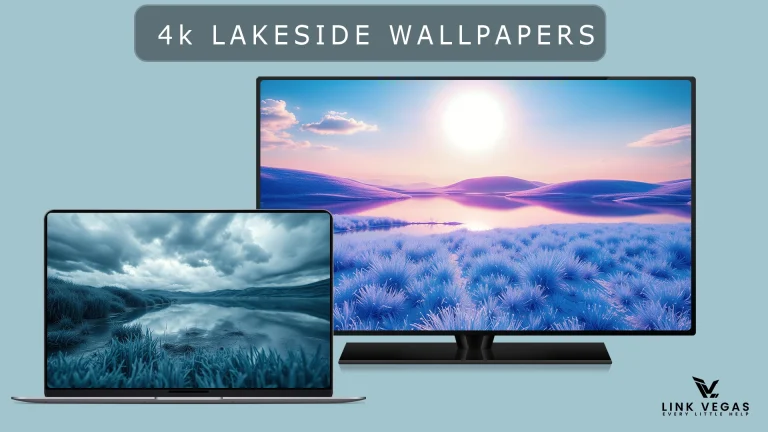
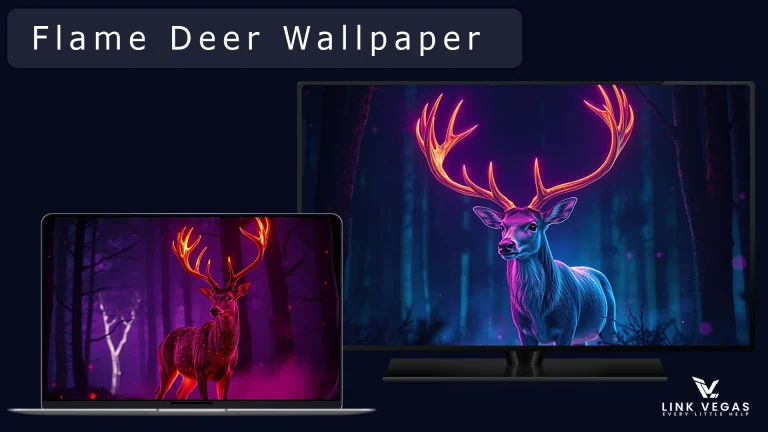
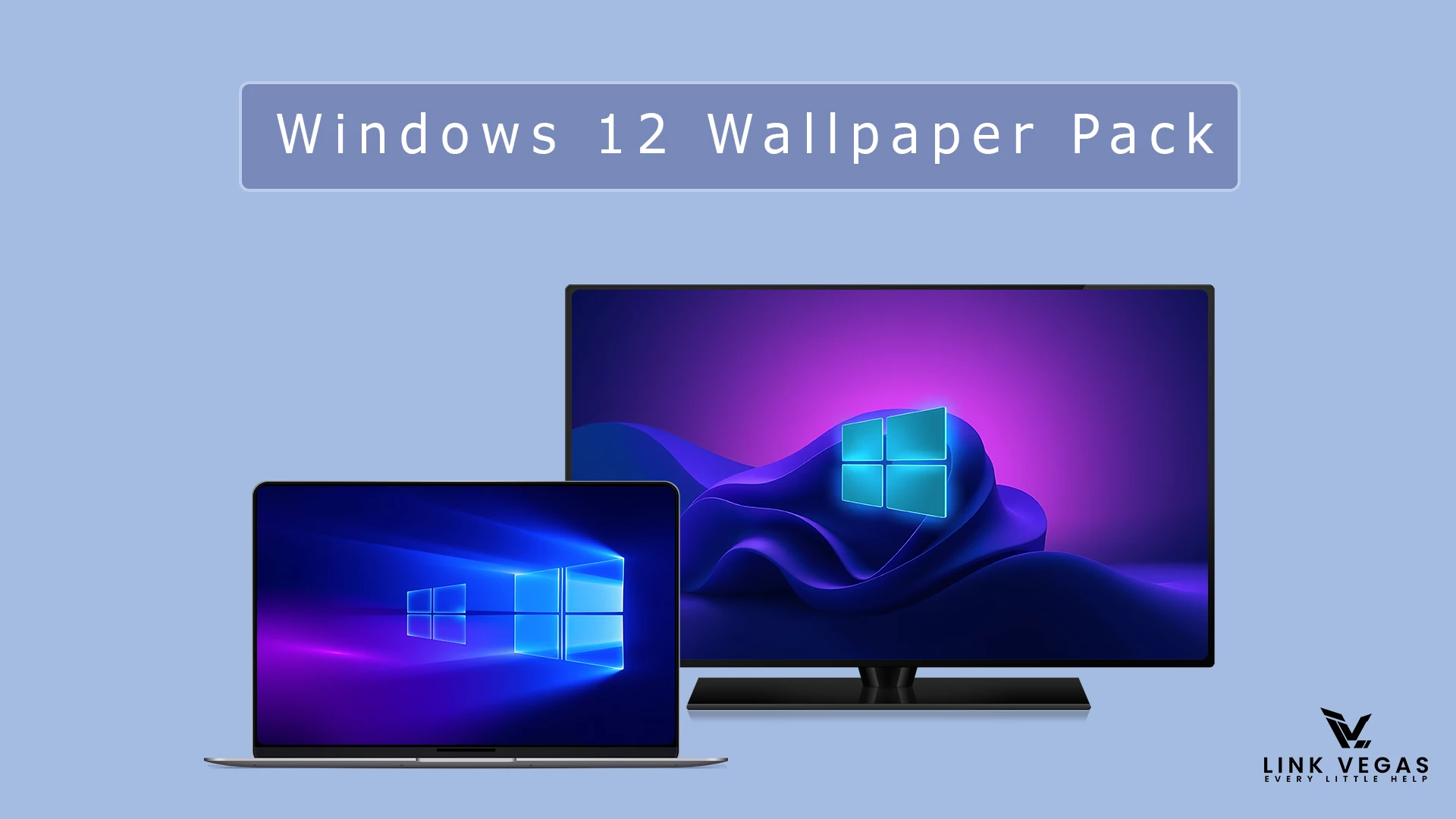
Windows 12 Wallpaper Pack 4K is a modern wallpaper collection made for users who want a fresh, futuristic, and clean desktop look. This pack includes high-quality wallpapers inspired by next-generation Windows concept designs, soft gradients, abstract shapes, smooth lighting, and minimal visual styles.
If you enjoy Windows desktop customization, this wallpaper pack can help you create a more stylish and professional setup. It works well with Windows 10, Windows 11, Rainmeter skins, custom icon packs, Start Menu themes, and clean desktop layouts.
About Windows 12 Wallpaper Pack 4K
Windows 12 Wallpaper Pack 4K is a concept-based wallpaper collection designed for users who like futuristic desktop visuals. These wallpapers are not official Microsoft Windows 12 wallpapers. They are creative concept wallpapers made to give your desktop a modern Windows-inspired appearance.
The wallpapers feature clean gradients, soft glow effects, abstract backgrounds, glass-style visuals, and smooth color combinations. Whether you prefer a bright light-mode setup or a dark futuristic desktop, this pack gives you different options to match your personal style.
Why Use This Wallpaper Pack?
A good wallpaper can completely change the look of your desktop. With Windows 12 Wallpaper Pack 4K, you can make your Windows setup look cleaner, sharper, and more modern without installing heavy customization tools.
This wallpaper pack is useful for users who create desktop customization videos, Rainmeter setups, theme previews, or personal workspace designs. It can also be used as a simple way to refresh your desktop background with a polished and futuristic look.
Main Features
- High-quality 4K desktop wallpapers
- Futuristic Windows-inspired visual style
- Clean gradients and soft glow effects
- Modern abstract shapes and smooth curves
- Suitable for Windows 10 and Windows 11 desktops
- Works well with Rainmeter skins and icon packs
- Good for dark, light, minimal, and glass-style setups
Best For
- Windows customization lovers
- Users who want a modern desktop background
- Rainmeter setup creators
- Tech YouTubers and theme preview creators
- Designers who like futuristic wallpapers
- Users who prefer clean and minimal desktop layouts
Use With Rainmeter Skins
Windows 12 Wallpaper Pack 4K can be used with Rainmeter skins to create a complete desktop customization setup. Rainmeter is not required to use the wallpapers, but it can help you add widgets, clocks, launchers, visual panels, and system monitors on top of the background.
For the best result, choose a Rainmeter skin that matches the wallpaper color. A clean clock widget, minimal dock, or transparent system monitor can make your desktop look more organized and professional.
Desktop Customization Tips
To create a better desktop setup, pair these wallpapers with matching icons, a clean taskbar layout, and a simple widget arrangement. If the wallpaper has a dark background, light icons and glass-style widgets can look very attractive. If the wallpaper is bright, soft dark widgets may create a nice contrast.
You can also hide unnecessary desktop shortcuts to keep the layout clean. A minimal desktop usually makes futuristic wallpapers look more premium and visually balanced.
What Is Included?
- Wallpapers
How to Use the Wallpapers
- Download the wallpaper pack from the link below.
- Extract the file if it is compressed.
- Choose your favorite wallpaper from the pack.
- Right-click on the wallpaper image.
- Select Set as desktop background.
- Adjust the background fit from Windows Settings if needed.& For The Theme Check Here
Google Drive 28MB
DownloadRecommended Wallpaper Fit
For most 4K wallpapers, the Fill option works best in Windows background settings. If you are using an ultra-wide monitor, you may need to test Fill, Fit, or Span depending on your display resolution.
Using the correct wallpaper fit helps keep the image sharp and properly aligned on your screen.
Final Thoughts
Windows 12 Wallpaper Pack 4K is a great choice for anyone who wants a futuristic and clean Windows desktop background. The wallpapers are suitable for modern customization setups, Rainmeter layouts, theme previews, and everyday desktop use.
If you want to refresh your Windows desktop with a next-generation concept look, this wallpaper pack is worth downloading.