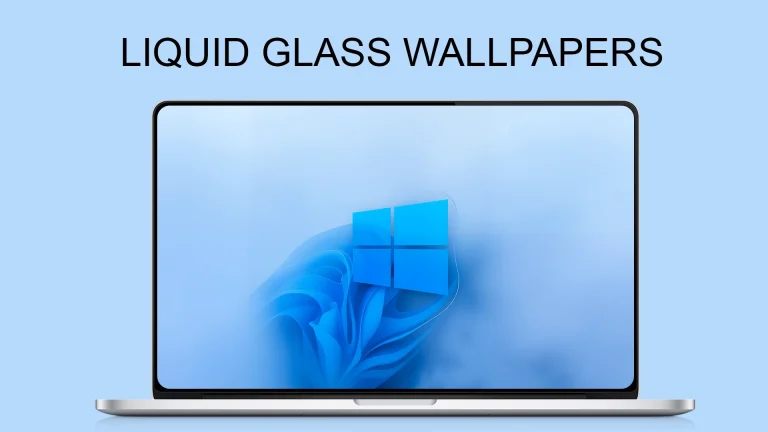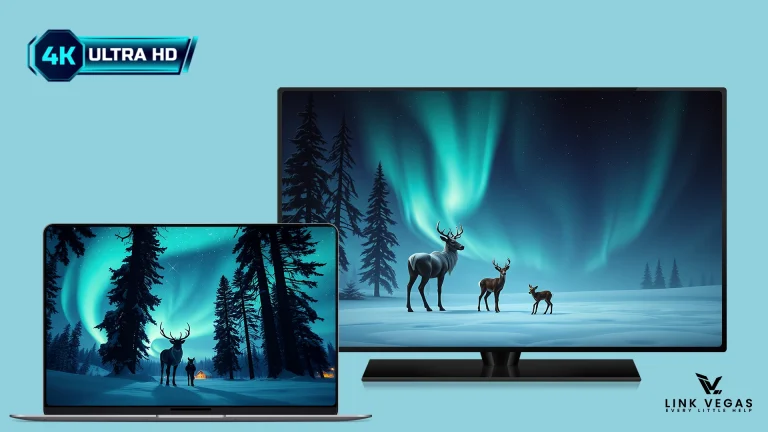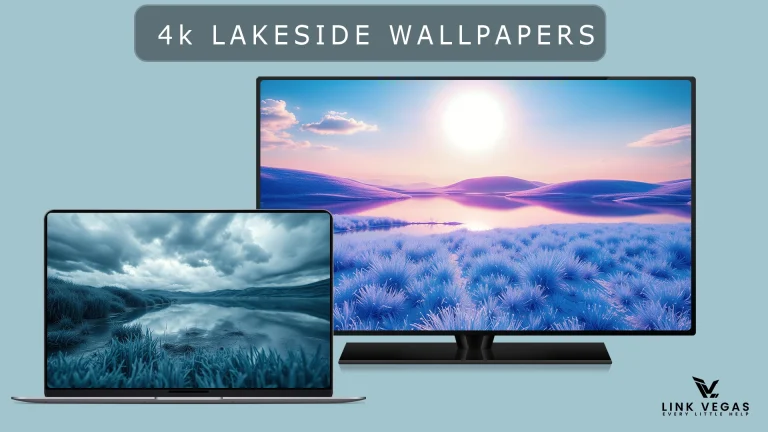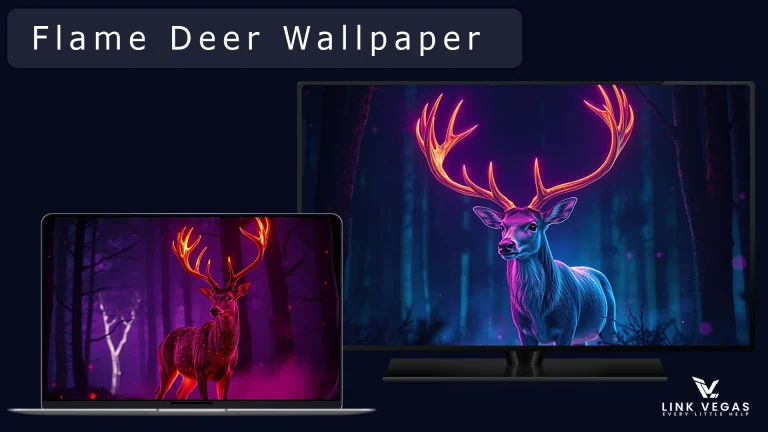
macOS-Inspired Abstract 4K Wallpapers for Desktop
MacOS Abstract Wallpapers 4k:The macOS Abstract Wallpaper is a stunning fusion of modern design and artistic minimalism, perfectly crafted to complement Apple’s sleek aesthetic. Featuring soft gradients

macOS-Inspired Abstract 4K Wallpapers for Desktop
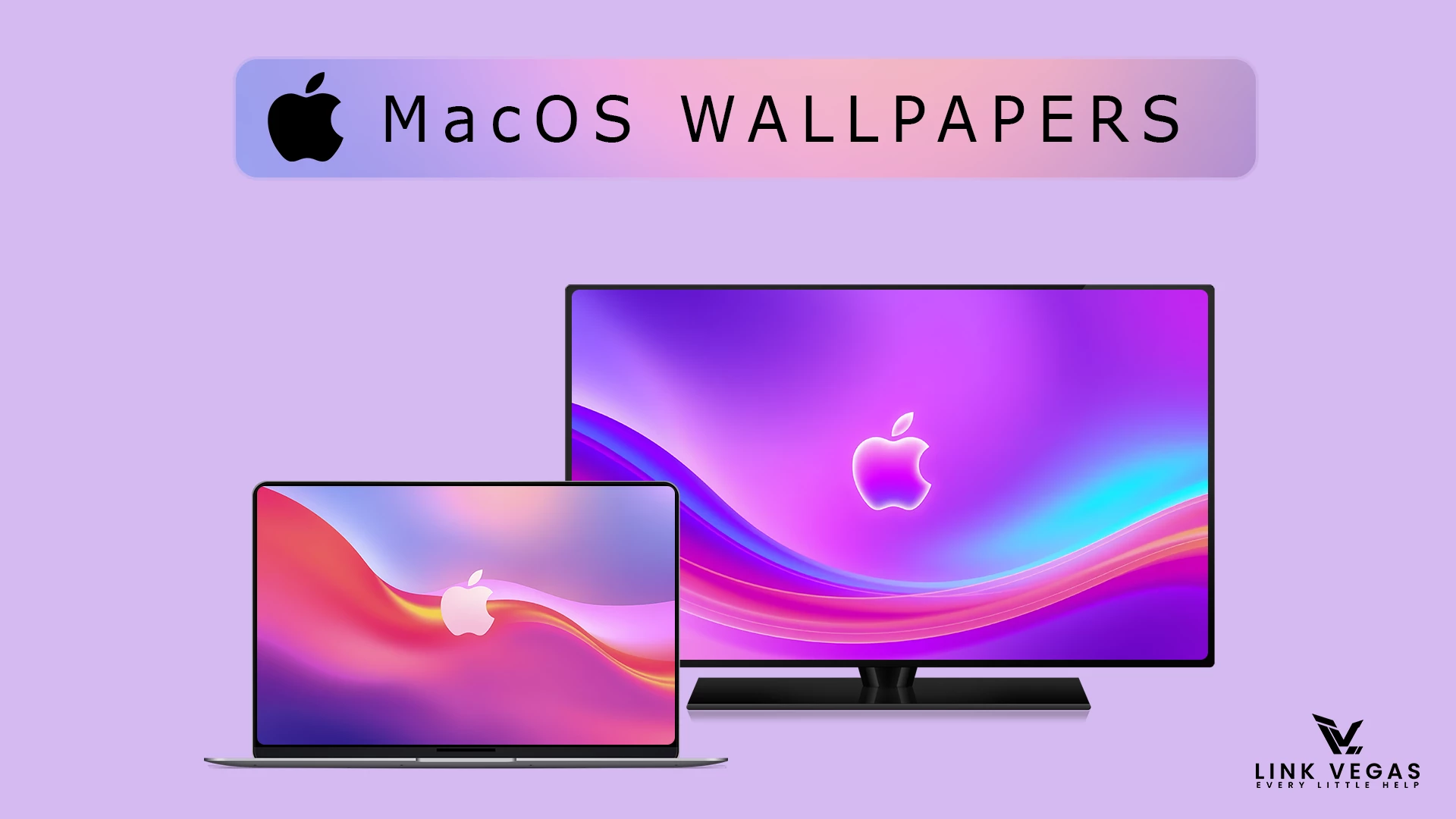
The macOS-Inspired Abstract 4K Wallpapers collection is made for users who want a clean, artistic background for their desktop. It combines flowing shapes, soft gradients, and balanced colors to create a modern look without making the screen feel busy.
These wallpapers work well when you want the desktop to feel fresh but still comfortable for everyday browsing, study, work, or creative tasks. The abstract style gives icons and windows a simple backdrop, while the mix of deeper tones and lighter colors adds character to the overall setup.
This is a wallpaper collection, not a Windows theme or software package. It does not change system settings, install macOS, or add Apple features to your device. Download the images, choose the one you like, and set it as your desktop background through the normal Windows personalization options.
Key Features
- Abstract macOS-inspired wallpaper collection
- 4K resolution wallpapers for detailed desktop backgrounds
- Soft gradients, fluid shapes, and balanced color combinations
- Suitable for clean, minimal, and modern desktop setups
- Useful with light or dark Windows themes
- No theme patcher or additional customization tool is required
- 4K abstract wallpaper collection
How to Use These Wallpapers
Setting up the wallpaper pack takes only a few minutes. Download the ZIP file, extract it, and choose an image that works well with your screen size and desktop icons.
- Download the wallpaper pack using the button below.
- Extract the downloaded ZIP file to a folder on your computer.
- Open the folder and preview the wallpapers to choose your preferred design.
- Right-click the selected image and choose Set as desktop background on Windows.
- If needed, open Settings > Personalization > Background and adjust the picture fit for your display.
- For a cleaner look, choose a wallpaper with enough contrast behind your desktop icons.
Tips for a Better Desktop Look
- Keep desktop shortcuts organized so the artwork remains visible.
- Use a lighter wallpaper with dark icons, or a darker wallpaper with light icons, when possible.
- Try one wallpaper for a few days before changing again; a consistent setup often feels more comfortable.
- Use matching accent colors, icons, or a simple dock only if they improve your workflow.
Download macOS-Inspired Abstract 4K Wallpapers
The download below contains the 4K wallpaper collection. Save the original ZIP file if you want to switch between the wallpapers later without downloading the pack again.
Google Drive 61 MB
DownloadFrequently Asked Questions
Is this a Windows theme?
No. This is a wallpaper collection only. It changes your desktop background but does not modify Windows themes, system files, or apps.
Do I need a theme patcher or any extra tool?
No. You can set these images as a desktop background using the normal Windows options.
Can I use a different wallpaper on each monitor?
Yes. Open Windows background settings and choose images in the way that suits your multi-monitor setup.
Why does a wallpaper look cropped on my screen?
Screen sizes and aspect ratios are different. Change the picture-fit option in Windows background settings until the wallpaper looks right on your display.
Disclaimer
This independently created wallpaper collection is intended for personal desktop customization. The term “macOS” is used only as a visual-style reference. This collection is not an official Apple product, macOS release, update, or Apple-developed wallpaper pack, and it is not affiliated with, endorsed by, or sponsored by Apple Inc. All trademarks and brand names belong to their respective owners.
Final Thoughts
The macOS-Inspired Abstract 4K Wallpapers collection is an easy way to refresh your desktop without changing how Windows works. Pick a design that keeps your shortcuts readable, adjust the fit for your monitor, and enjoy a cleaner visual setup in just a few clicks.