The Aorus Gaming Theme for Windows 11
The Aorus Gaming Theme for Windows 11: The Aorus Gaming Theme for Windows 11 is bold and highly effective, inspired by Gigabyte's legendary AORUS gaming brand.

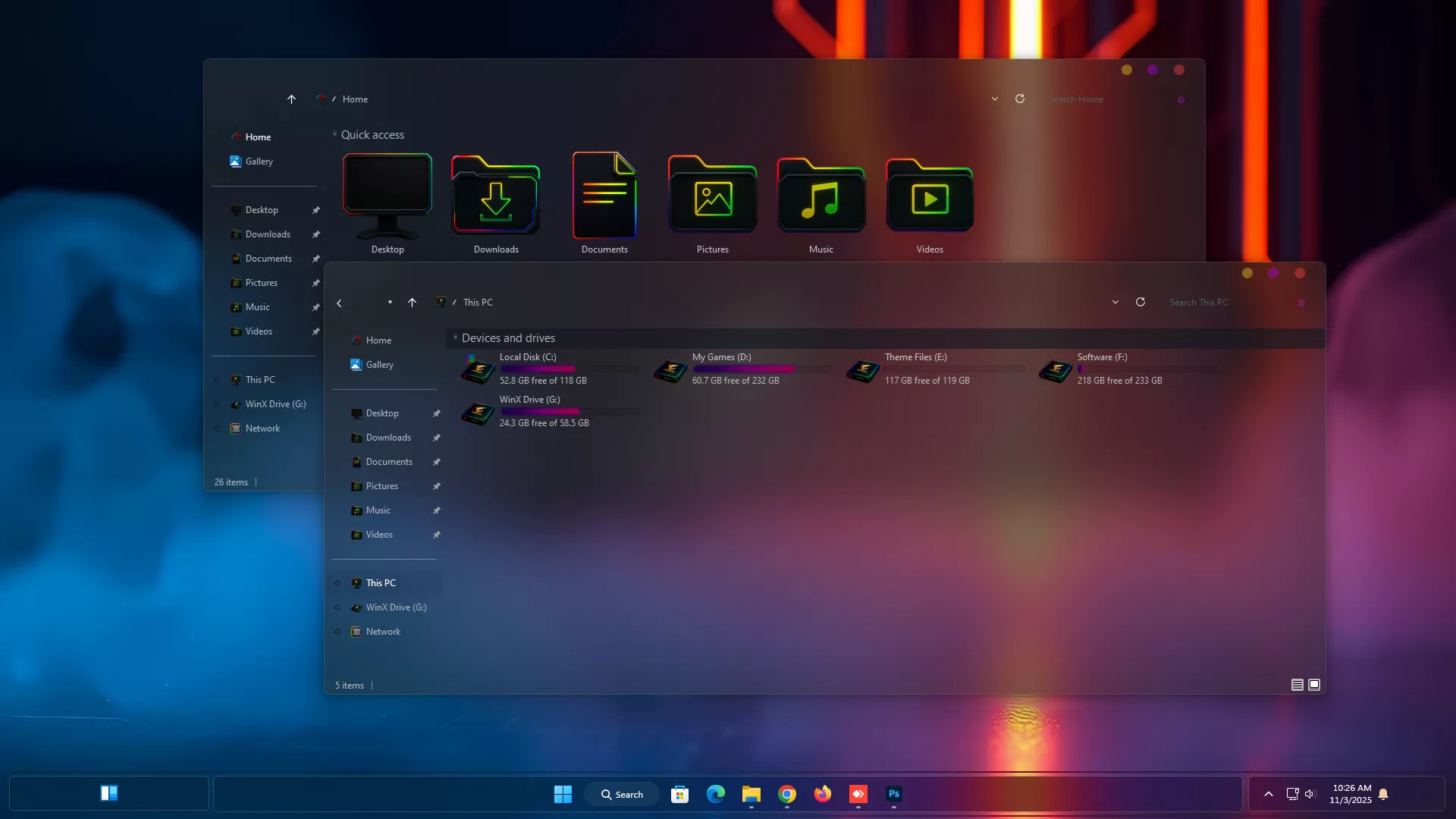
The Aorus Gaming Theme for Windows 11
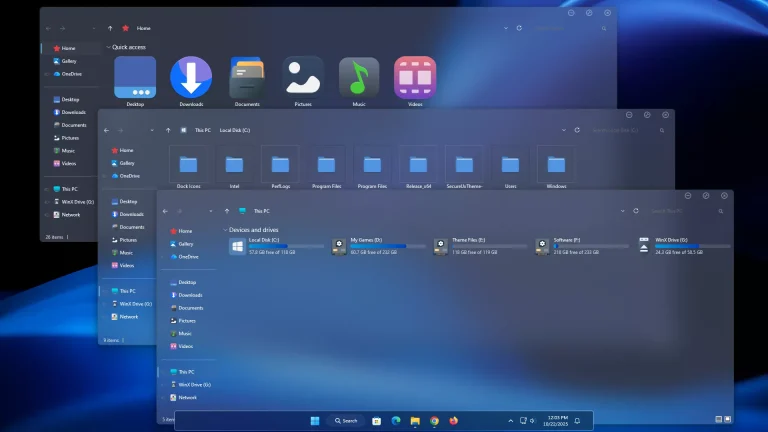
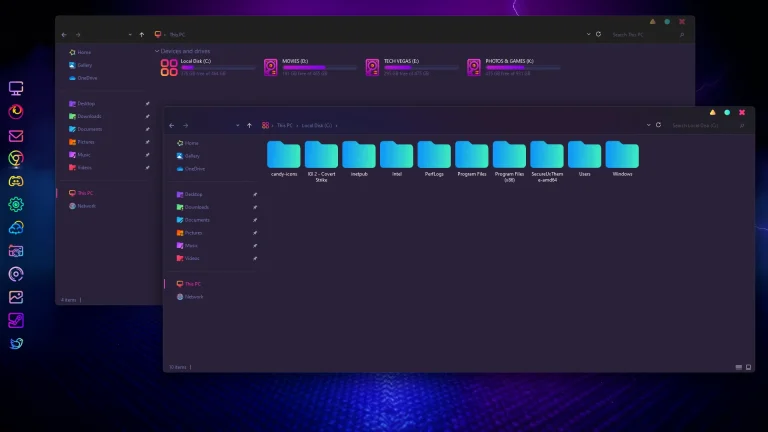
The Aorus Gaming Theme for Windows 11 is bold and highly effective, inspired by Gigabyte’s legendary AORUS gaming brand. This Windows theme is aimed at PC gamers and desktop personalization enthusiasts, turning the Windows experience into a high-tech, RGB-powered interface that exudes speed, power, and precision.
With dark metallic tones, glowing accents, and soft gradient lighting, the Aorus Gaming Theme perfectly fits gaming rigs with RGB setups. Every single element has been refined from the taskbar and Start Menu down to the window borders and icons to follow the aggressive yet elegant Aorus design language.
Optimized for performance as well as appearance, this theme works seamlessly on Windows 11 to support dark mode and high-DPI for a vivid, immersive look. Paired with the 7TSP Aorus Gaming Icon Pack, Aorus Wallpapers, and Rainmeter skins, it creates an overall gaming environment that looks and feels premium.
- 21H2 YES
- 22H2 YES
- 22H3 YES
- 24H2 YES
- 25H2 YES
- Windows 11 Theme
- Extras
- Wallpapers
- I recommend creating a restore point before starting your customization.
- This third-party theme will only work if you install Theme Patcher, so definitely install Theme Patcher.
- If you’re new to customization, check out this page that explains in detail how to install Windows custom themes.
- Watch the video tutorial on My YouTube Channel for a visual guide on Windows custom themes customization.
- Or Check This Post for a guide on Windows custom themes Installation.
- Theme support: Windows 11
Theme Files 93MB
Download