Minimal Clean Pro Rainmeter Skin
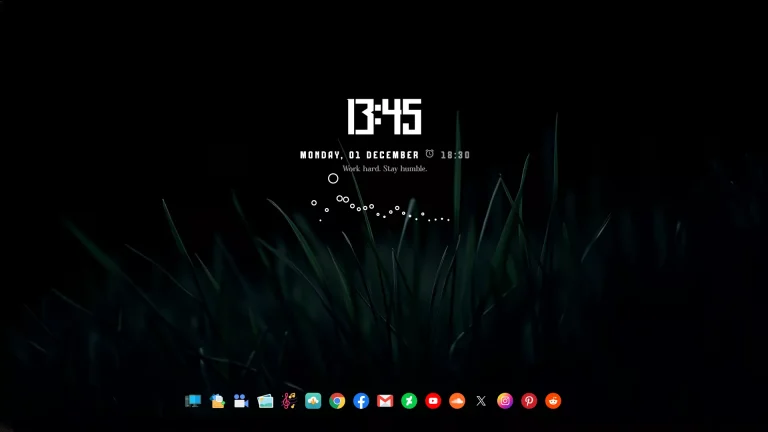
Minimal Clean Pro Rainmeter Skin : The Minimal Clean Rainmeter Skin is a beautifully designed desktop suite focused on simplicity, clarity, and modern aesthetics. Built for users who love a distraction-free workspace, this skin delivers a crisp, elegant interface with perfectly balanced spacing, soft typography, and clean geometric layout

Minimal Clean Pro Rainmeter Skin
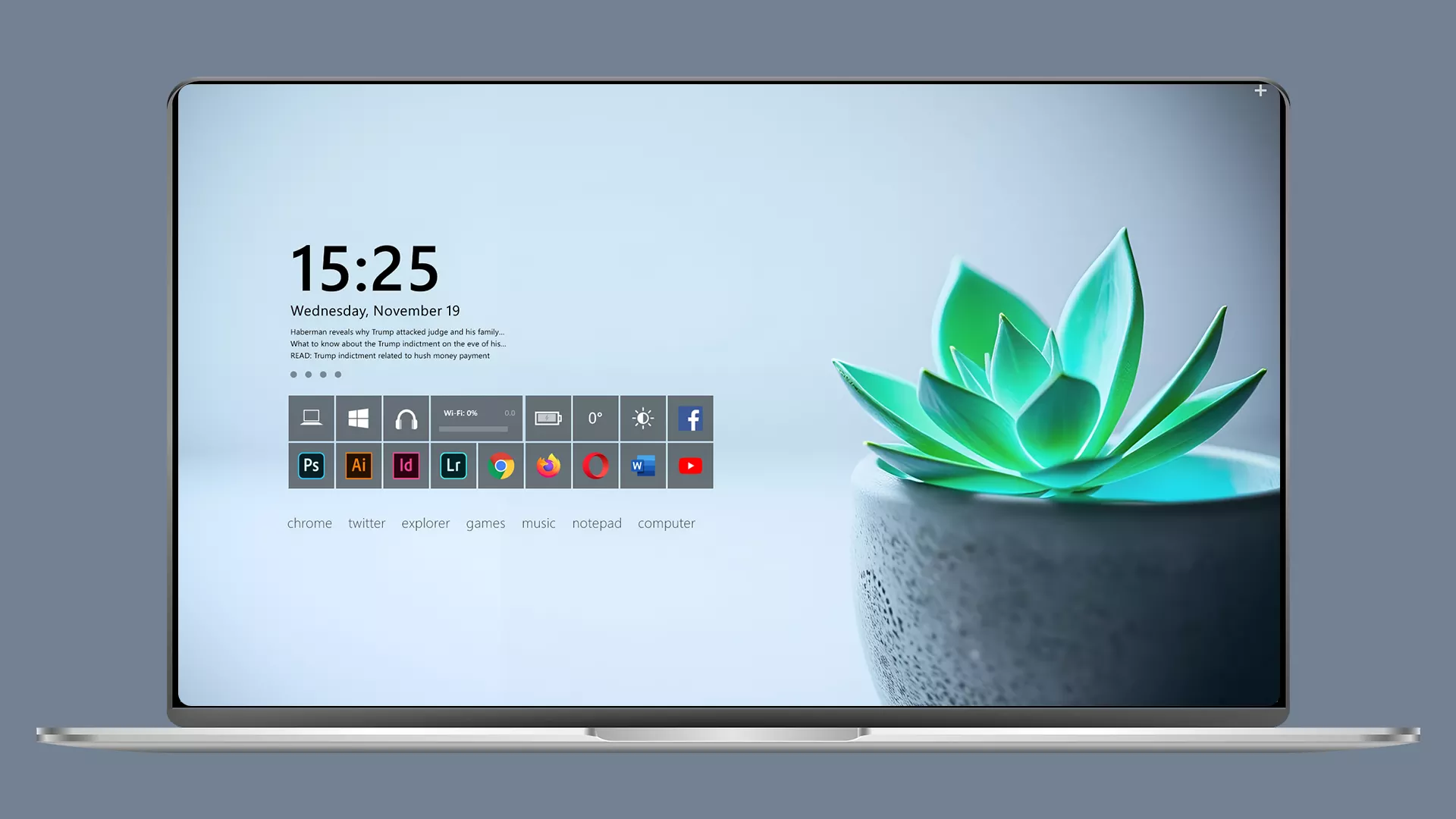
The Minimal Clean Rainmeter Skin is a beautifully designed desktop suite focused on simplicity, clarity, and modern aesthetics. Built for users who love a distraction-free workspace, this skin delivers a crisp, elegant interface with perfectly balanced spacing, soft typography, and clean geometric layout. Every widget is designed to blend naturally with light, dark, or gradient wallpapers—making your desktop feel spacious, organized, and visually refreshing.
The suite includes essential widgets such as a minimal clock, date module, CPU & RAM monitor, storage tracker, music player, weather widget, and quick-launch panel. Each element uses thin lines, smooth animations, and subtle shadows to maintain a sleek, premium appearance. The design avoids clutter completely, creating a calm environment ideal for productivity, studying, or creative work.
With full customization options, you can adjust widget size, colors, font styles, alignment, spacing, and transparency to match any setup—1080p, 2K, or 4K. The skin is lightweight and optimized for both Windows 10 and Windows 11, ensuring excellent performance without unnecessary resource usage.
- Rainmeter Skins
- Download & Install Rainmeter.
- Once installed, Rainmeter will start automatically
- Download the .rmskin file (Rainmeter Skin Installer format) Double-click the .rmskin file..
- The Rainmeter Skin Installer will open,Click Install to add it to Rainmeter.
- Right-click the Rainmeter icon in the system tray
- Navigate to Skins and select the installed skin.
- Click Load to apply it.
Theme Files 56MB
Download