macOS Tahoe Theme For Windows 11
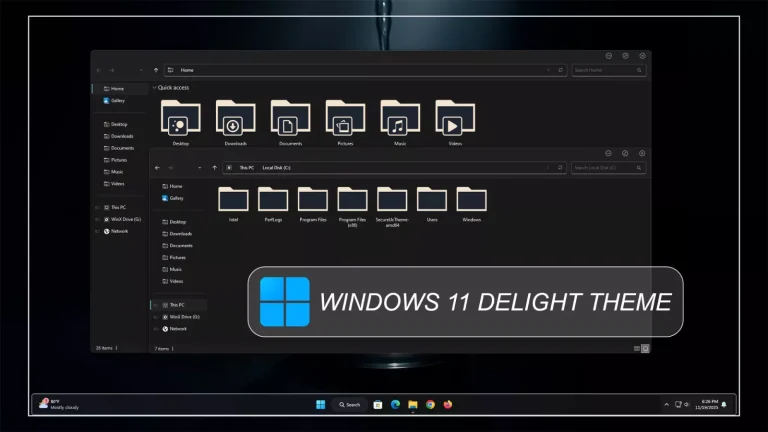
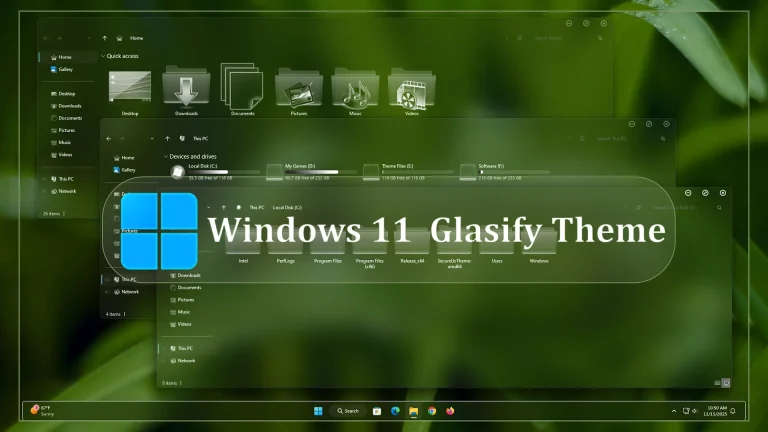
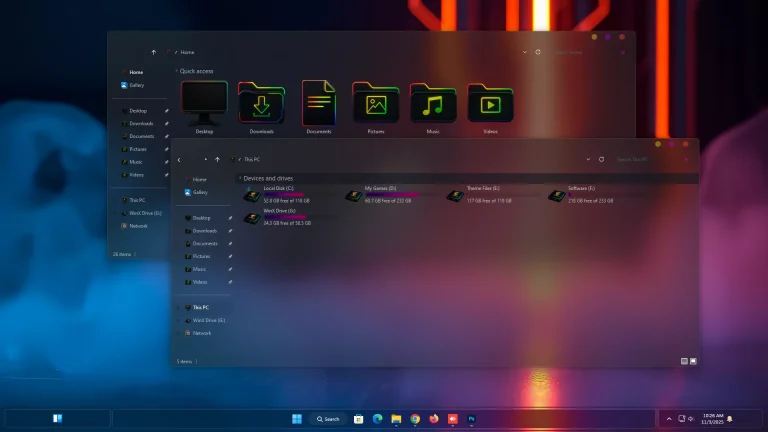
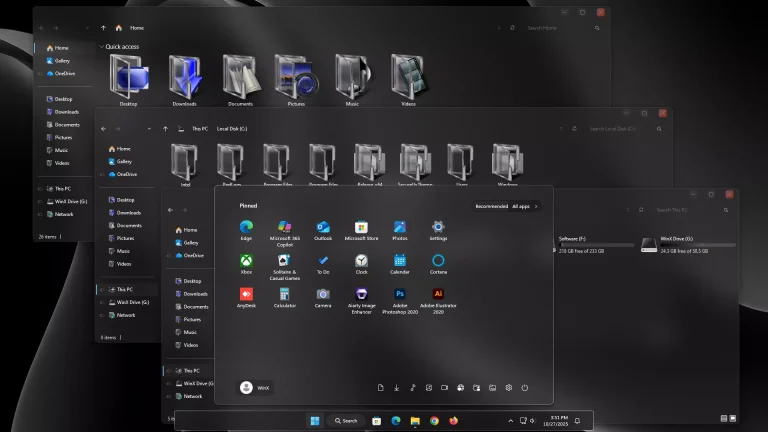
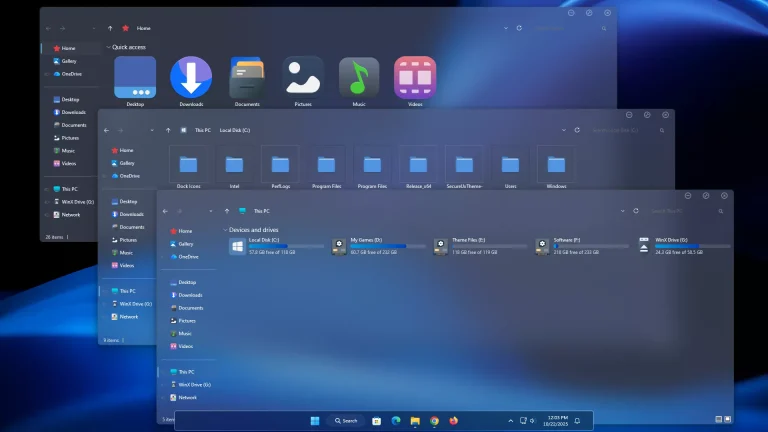
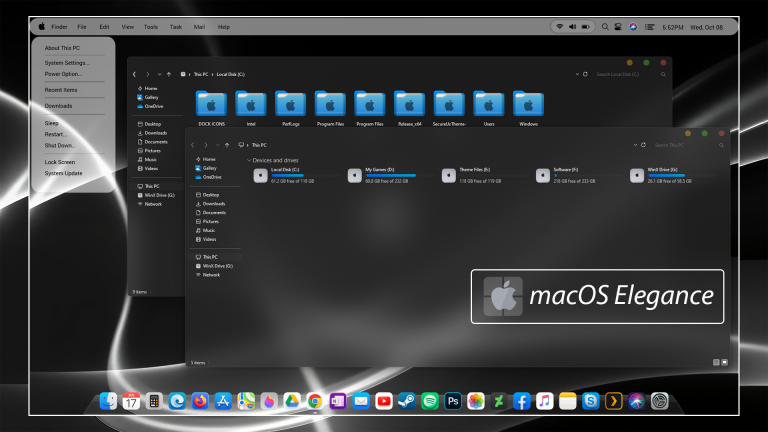
macOS Tahoe Theme For Windows 11 : The macOS Tahoe Theme for Windows 11 brings the refined beauty and fluid design of Apple’s latest macOS experience directly to your Windows desktop.

macOS Tahoe Theme For Windows 11
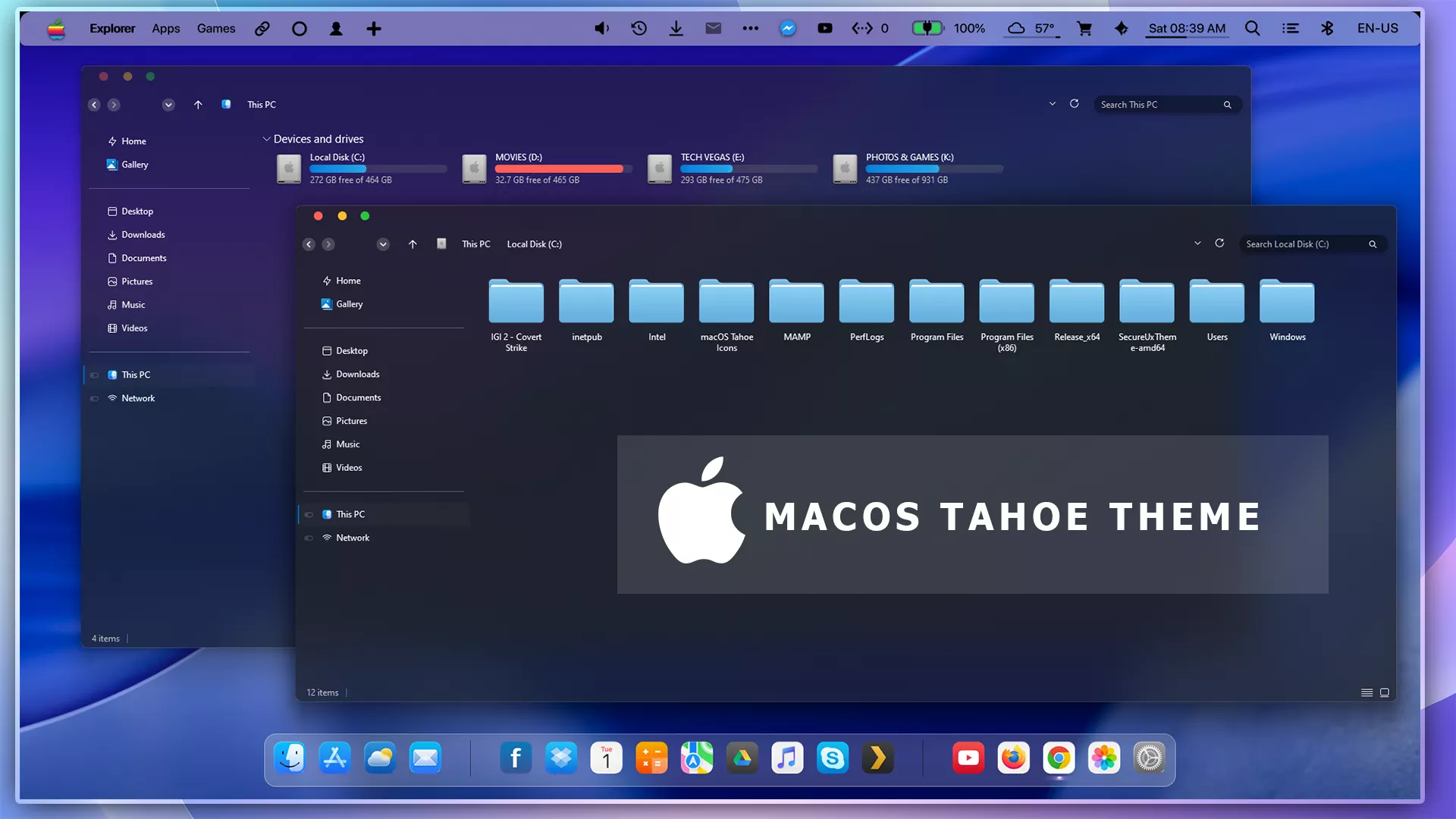
The macOS Tahoe Theme for Windows 11 brings the refined beauty and fluid design of Apple’s latest macOS experience directly to your Windows desktop. Inspired by macOS Sequoia and macOS Sonoma aesthetics, this theme delivers a crystal-clear interface with glassy transparency, soft gradients, and elegant icons, transforming your Windows 11 into a smooth, Mac-like environment..
Every element—from the Start Menu, taskbar, window borders, and control buttons—has been carefully crafted to mirror Apple’s signature design language. The theme features rounded corners, light frosted textures, and dynamic accent colors, giving your PC a modern and premium appearance.
Optimized for HD and 4K displays, the macOS Tahoe Theme works seamlessly with Rainmeter widgets, macOS docks, and 7TSP icon packs, allowing you to achieve a complete Apple-inspired setup. It’s lightweight, smooth, and built for customization lovers who value both performance and aesthetics
- 21H2 YES
- 22H2 YES
- 22H3 YES
- 24H2 YES
- 25H2 YES
- Windows 11 Theme
- Extras
- Niivu
- I recommend creating a restore point before starting your customization.
- This third-party theme will only work if you install Theme Patcher, so definitely install Theme Patcher.
- If you’re new to customization, check out this page that explains in detail how to install Windows custom themes.
- Watch the video tutorial on My YouTube Channel for a visual guide on Windows custom themes customization.
- Or Check This Post for a guide on Windows custom themes Installation.
- Theme support: Windows 11
Theme Files 150MB
Download