macOS Final Edition Rainmeter Suite
macOS Final Edition Rainmeter Suite : The macOS Final Edition Rainmeter Suite brings the polished, ultra-clean elegance of Apple’s interface directly to your Windows desktop. Designed with precision and inspired by the latest macOS visual standards, this suite transforms your home screen into a modern, minimalist, and premium macOS-style workspace.

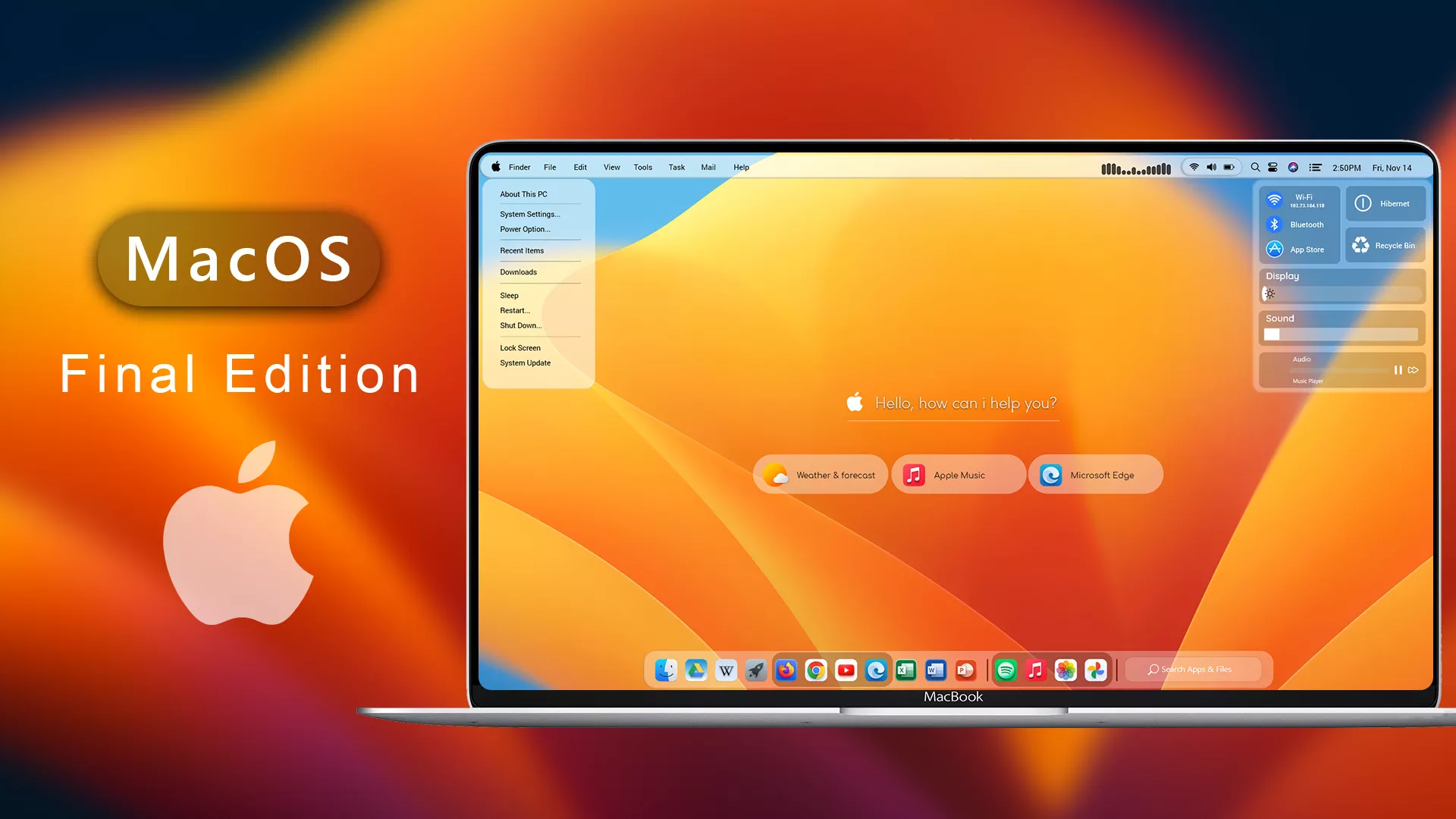
macOS Final Edition Rainmeter Suite For Rainmeter
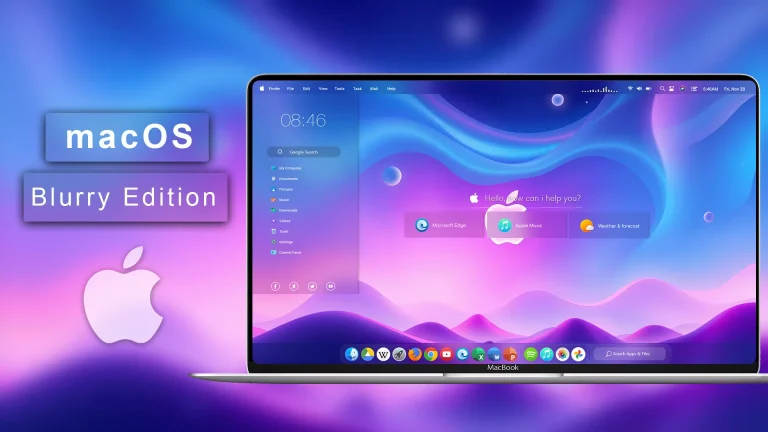
The macOS Final Edition Rainmeter Suite brings the polished, ultra-clean elegance of Apple’s interface directly to your Windows desktop. Designed with precision and inspired by the latest macOS visual standards, this suite transforms your home screen into a modern, minimalist, and premium macOS-style workspace.
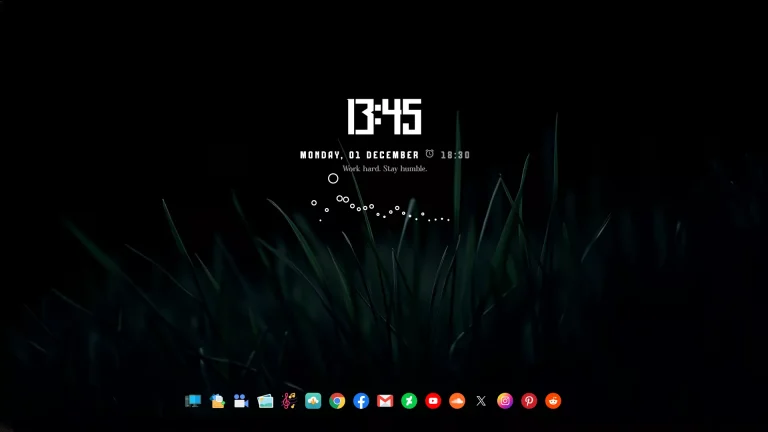
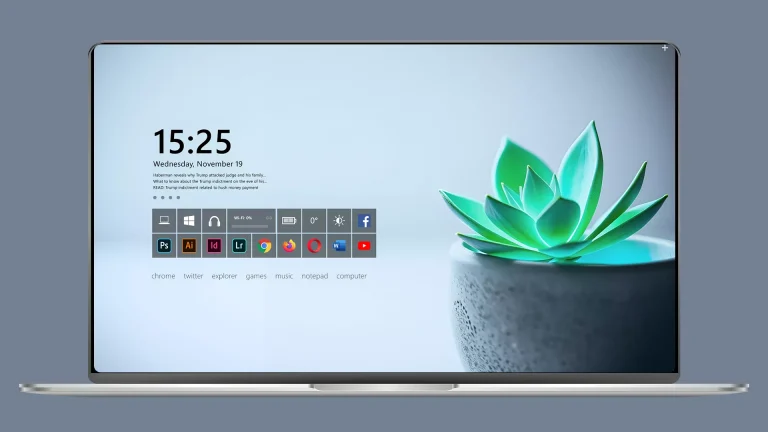
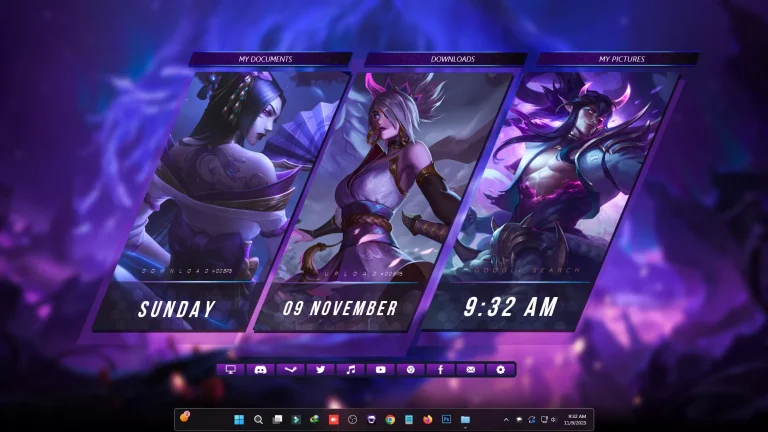
The suite includes beautifully crafted widgets such as a macOS-style clock, system monitor, music controller, calendar, dock-style launchers, and notification-inspired panels. Each widget features smooth rounded edges, soft shadows, frosted glass effects, and subtle gradients that perfectly capture the authentic Apple experience.
Built for Rainmeter, this suite offers full customization—allowing you to adjust layout, size, colors, alignment, and transparency to fit any 1080p, 2K, or 4K setup. It works flawlessly with macOS-themed wallpapers, Finder-style docks, and minimal icon packs, giving you the closest macOS look on Windows without installing heavy system themes.
- Rainmeter Skins
- Download & Install Rainmeter.
- Once installed, Rainmeter will start automatically
- Download the .rmskin file (Rainmeter Skin Installer format) Double-click the .rmskin file..
- The Rainmeter Skin Installer will open,Click Install to add it to Rainmeter.
- Right-click the Rainmeter icon in the system tray
- Navigate to Skins and select the installed skin.
- Click Load to apply it.
Theme Files 27MB
Download