macOS Blurry Rainmeter Skin
macOS Blurry Rainmeter Skin :The macOS Blurry Rainmeter Skin for Windows brings the iconic Apple-style frosted glass design to your desktop with smooth blur, soft transparency, and premium visual depth.

macOS Blurry Rainmeter Skin
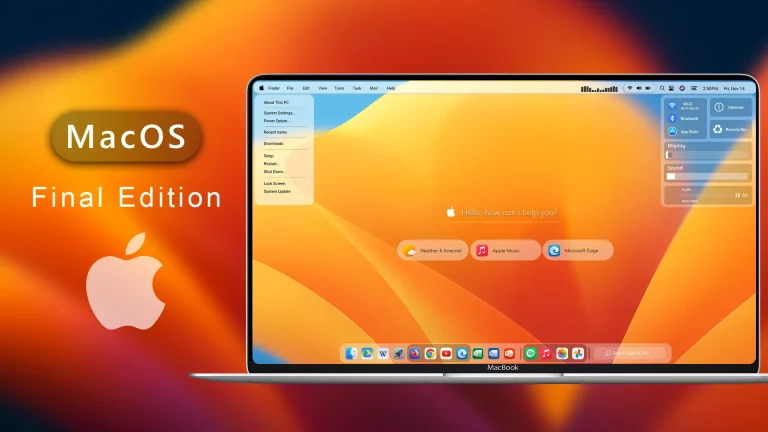
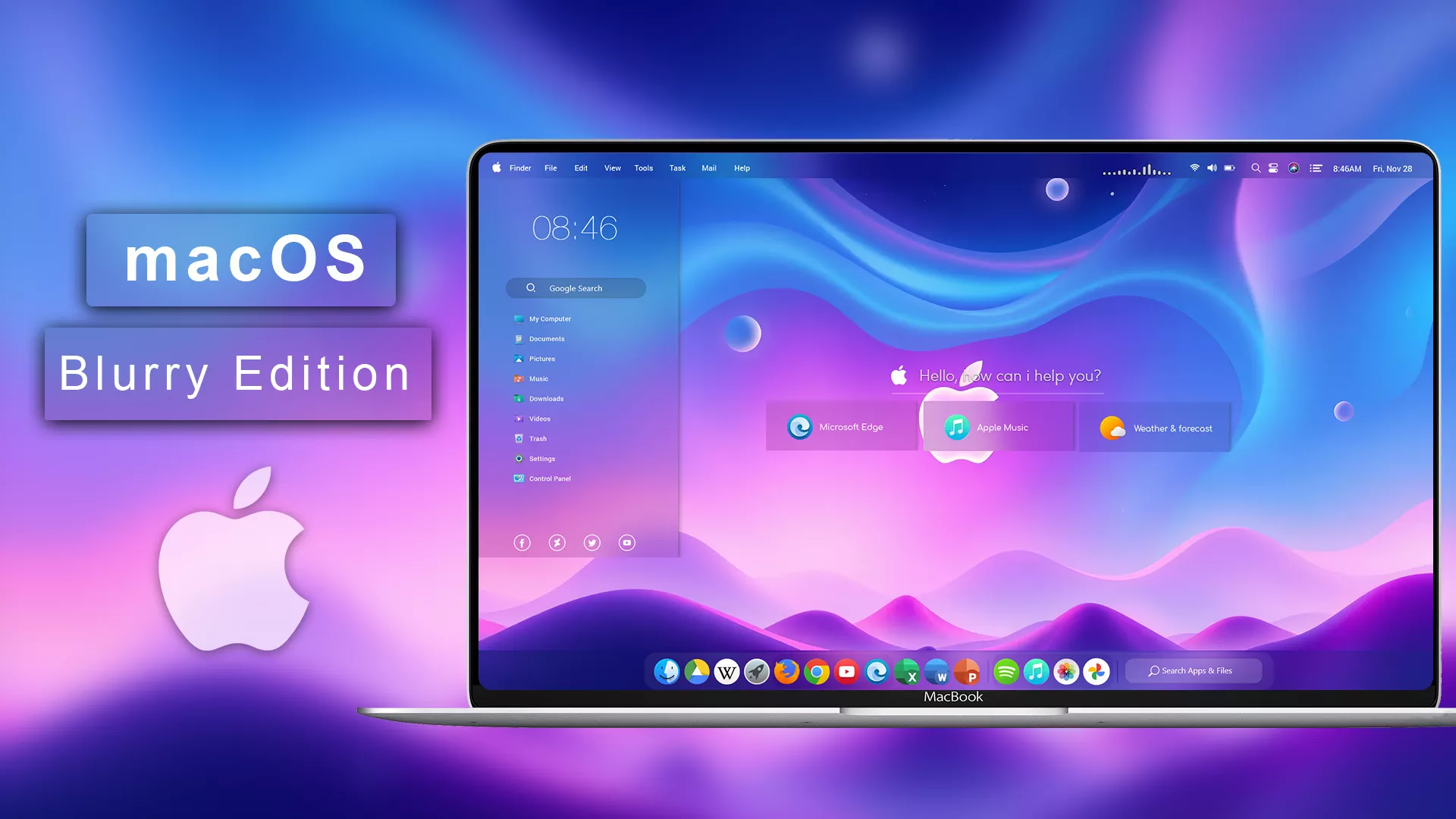
The macOS Blurry Rainmeter Skin for Windows brings the iconic Apple-style frosted glass design to your desktop with smooth blur, soft transparency, and premium visual depth. Inspired by macOS Big Sur and Monterey’s elegant UI, this Rainmeter suite transforms your Windows setup into a clean, modern, and luxurious Apple-inspired environment
This skin features beautifully crafted widgets including a blurry dock launcher, translucent music player, frosted system monitor, calendar & date panel, notification-style sidebar, and minimal clock/weather modules. Each element uses rounded corners, light gradients, soft shadows, and subtle glow effects, perfectly replicating macOS’s signature glass aesthetic
Optimized for 4K, 2K, and 1080p desktops, the macOS Blurry Skin integrates seamlessly with macOS-like wallpapers, icon packs, and centered taskbar layouts. Every widget is lightweight, responsive, and fully customizable—allowing you to adjust transparency, color, size, spacing, and alignment to match your personal style
- Rainmeter Skins
- Download & Install Rainmeter.
- Once installed, Rainmeter will start automatically
- Download the .rmskin file (Rainmeter Skin Installer format) Double-click the .rmskin file..
- The Rainmeter Skin Installer will open,Click Install to add it to Rainmeter.
- Right-click the Rainmeter icon in the system tray
- Navigate to Skins and select the installed skin.
- Click Load to apply it.
Theme Files 30MB
Download