Linux Night Start Menu & Taskbar
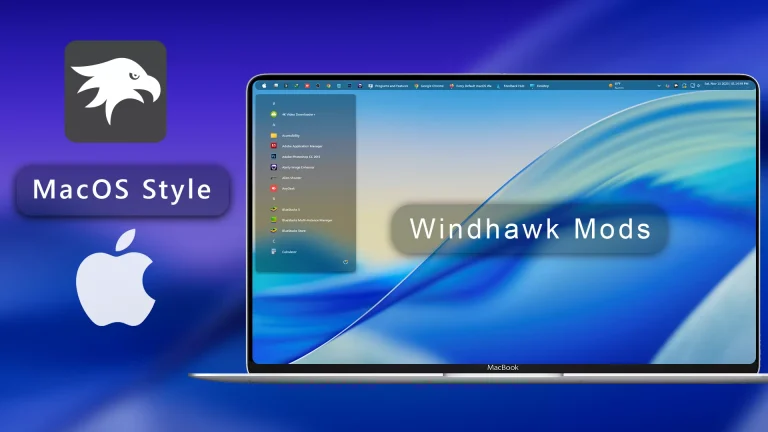
Linux Night Start Menu & Taskbar : The Make Windows 11 Start Menu & Taskbar Look Like Linux Using Windhawk Mods guide helps you convert your Windows desktop into a clean, modern, and efficient Linux-style interface.

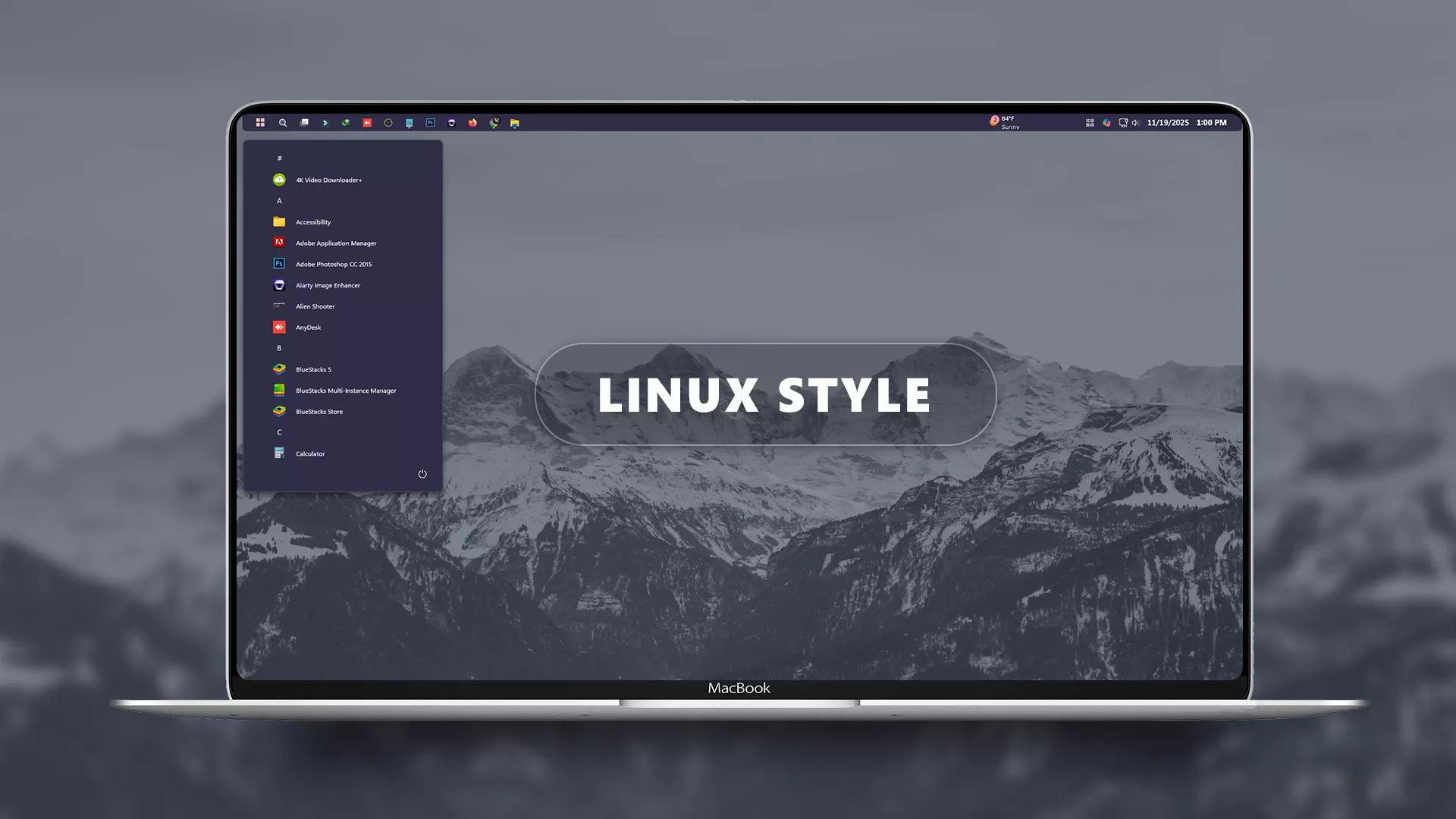
Linux Night Start Menu & Taskbar For Windows 11
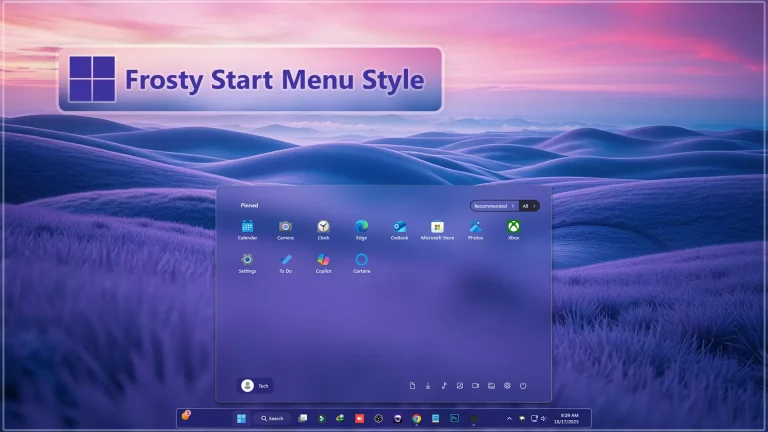
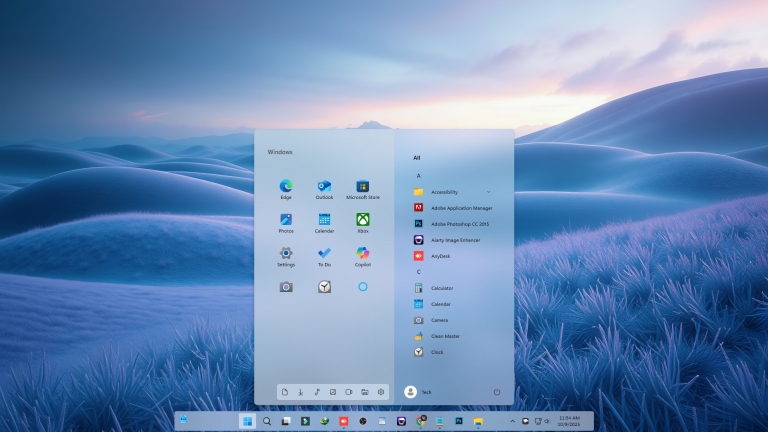
The Make Windows 11 Start Menu & Taskbar Look Like Linux Using Windhawk Mods guide helps you convert your Windows desktop into a clean, modern, and efficient Linux-style interface. Inspired by popular distros like GNOME, KDE Plasma, and Pop!_OS, this customization gives Windows 11 a simple, open-source–inspired look using lightweight Windhawk tweaks.
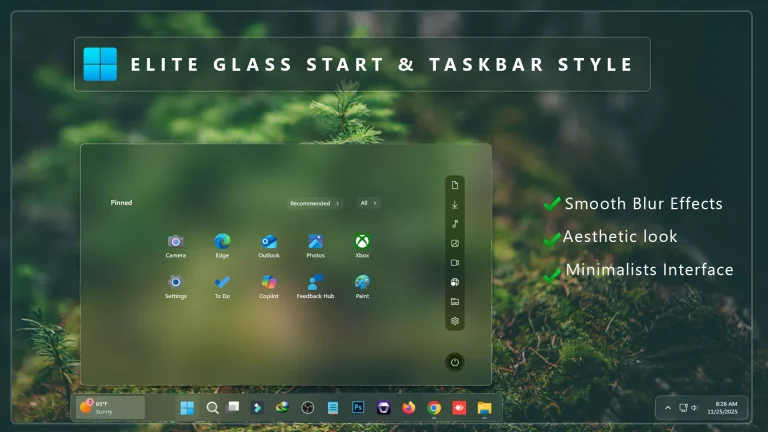
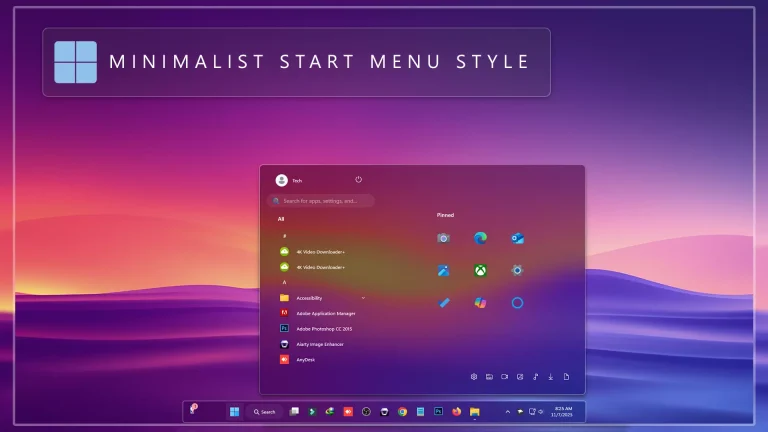
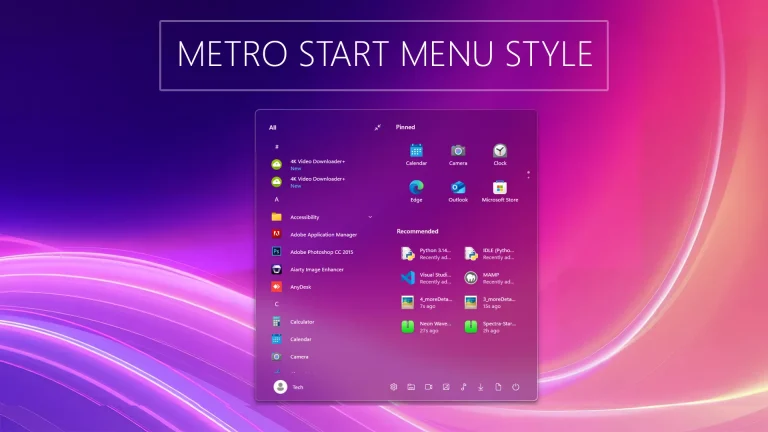
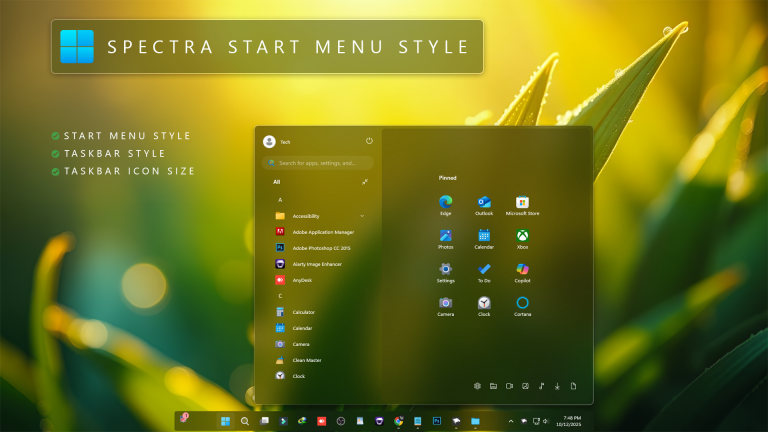
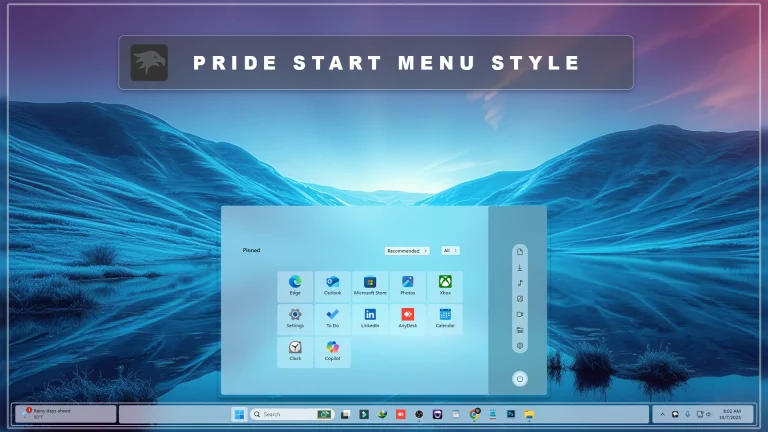
The Start Menu is transformed into a Linux-like launcher with a flat layout, minimal borders, soft blur, and compact icon alignment. The design focuses on usability and clarity—similar to the application menus found in top Linux environments. With Windhawk’s Start Menu Styler, you can tweak padding, corner radius, panel height, transparency, and icon spacing to achieve the exact Linux feel you want.
The taskbar becomes a panel-style Linux bar, featuring matte dark mode, reduced padding, centered or left-aligned layout, and a clean, distraction-free design. The Windhawk taskbar module allows fine control over transparency, hover glow, icon size, and panel thickness, making it easy to match GNOME, KDE, or XFCE aesthetics.
- 21H2 Yes
- 22H2 Yes
- 22H3 Yes
- 24H2 Yes
- 25H2 Yes
- Windhwak Start Menu Mods
- Windhwak Taskbar Mods
- Windhwak Taskbar Size Mods
Mods 3kb
Download