League of Legends Rainmeter Suite
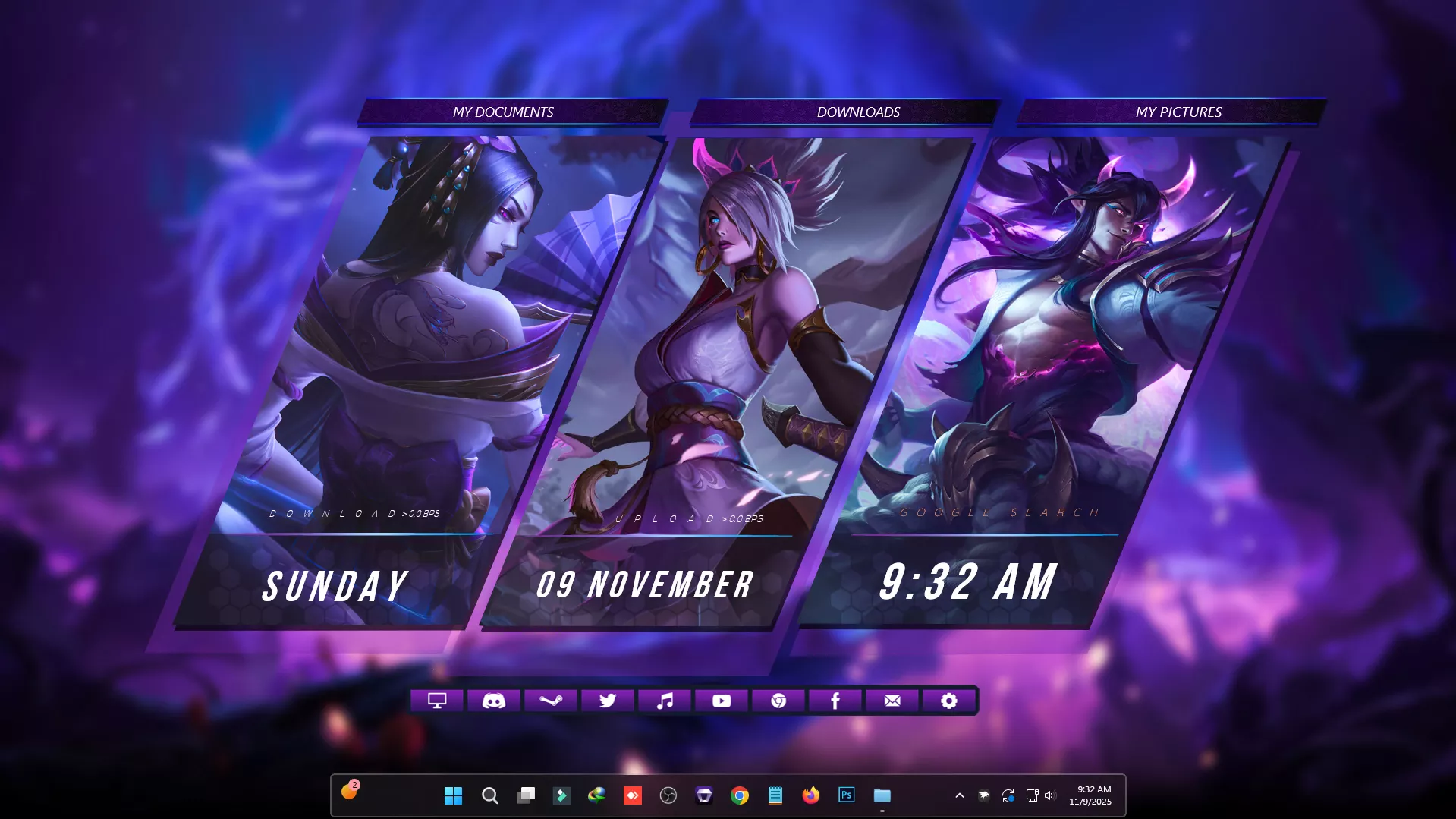
League of Legends Rainmeter Suite : The League of Legends Rainmeter Suite is a stunning desktop customization pack designed for true LoL fans who want to bring the Summoner’s Rift aesthetic to their Windows setup.

League of Legends Rainmeter Suite
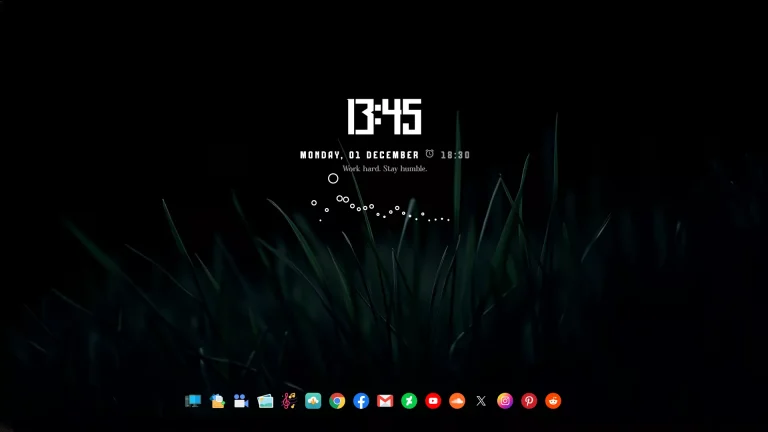
The League of Legends Rainmeter Suite is a stunning desktop customization pack designed for true LoL fans who want to bring the Summoner’s Rift aesthetic to their Windows setup. This suite transforms your desktop into a League-inspired interface with immersive widgets, elegant UI elements, and dynamic visuals based on your favorite champions and themes.
It includes custom launchers, system monitors, music players, and clock skins, all styled with the essence of League of Legends — from mystical runes and arcane symbols to clean, game-themed animations. Every skin is highly customizable, allowing you to personalize colors, layouts, and icons to match your favorite champions or roles (ADC, Mid, Jungle, etc.).
Optimized for Rainmeter, this suite runs smoothly on Windows 10 and 11, ensuring minimal performance impact while delivering a truly gaming-inspired experience. Pair it with League wallpapers, dock icons, and RGB setups for the ultimate eSports-style desktop
- Rainmeter Skins
- Wallpaper
- Download & Install Rainmeter.
- Once installed, Rainmeter will start automatically
- Download the .rmskin file (Rainmeter Skin Installer format) Double-click the .rmskin file..
- The Rainmeter Skin Installer will open,Click Install to add it to Rainmeter.
- Right-click the Rainmeter icon in the system tray
- Navigate to Skins and select the installed skin.
- Click Load to apply it.
Theme Files 5MB
Download