Eclipse Rainmeter Skin
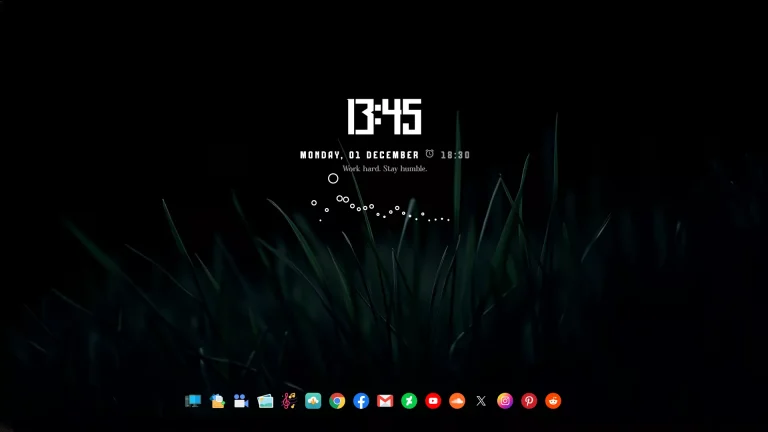
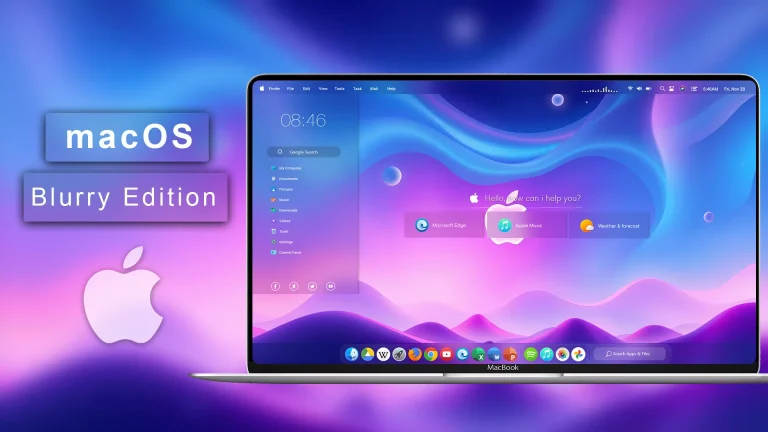
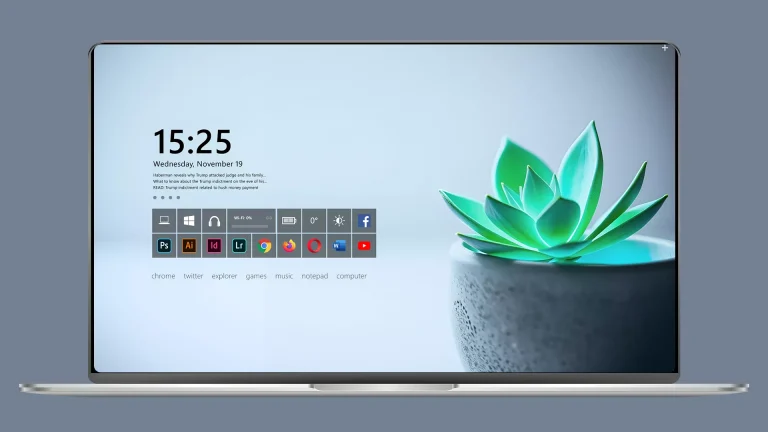
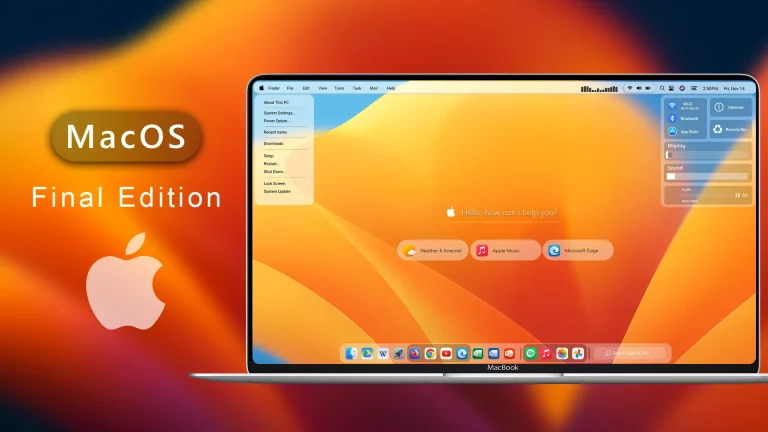
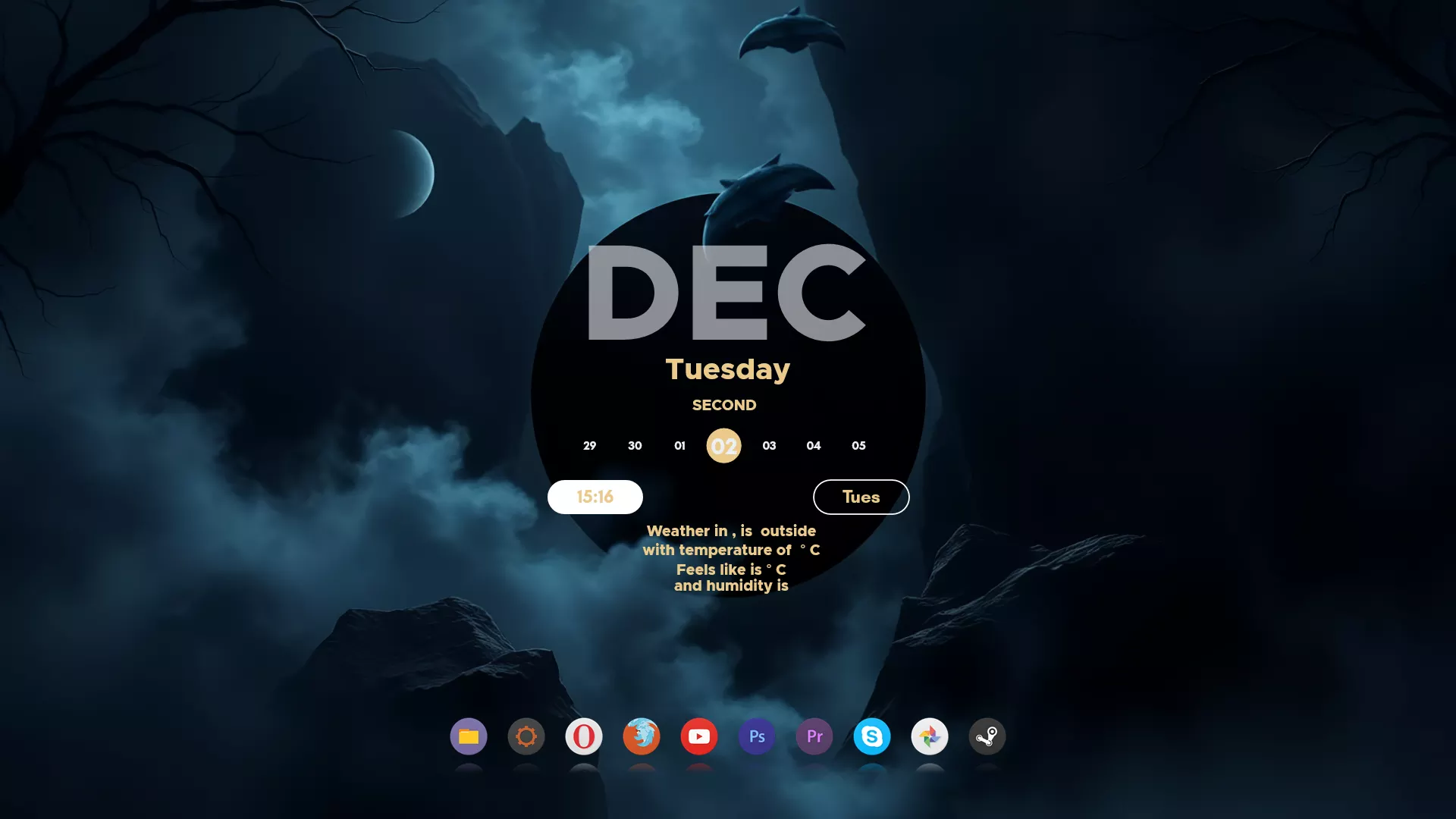
Eclipse Rainmeter Skin : Eclipse Rainmeter Skin brings a fresh, modern, and minimalistic look to your Windows desktop. Designed for creators, productivity lovers, and customization enthusiasts, this skin transforms your screen into a stylish, informative workspace.

Eclipse Rainmeter Skin
Eclipse Rainmeter Skin brings a fresh, modern, and minimalistic look to your Windows desktop. Designed for creators, productivity lovers, and customization enthusiasts, this skin transforms your screen into a stylish, informative workspace. Eclipse focuses on clean lines, soft glows, and a balanced dark-themed design that fits perfectly with any wallpaper, especially space, gradient, neon, and minimal backgrounds
This Rainmeter skin includes essential widgets such as a customizable clock, system stats, CPU & RAM meters, storage information, weather module, music player, and quick-access shortcuts. Everything is arranged with a sleek eclipse-inspired design that adds depth and a futuristic vibe to your desktop.
Eclipse Rainmeter Skin is lightweight, smooth, and easy to configure, even for beginners. You can personalize colors, transparency, positions, and widget size to match your perfect aesthetic. Whether you’re creating a showcase setup or simply want your desktop to feel more organized, Eclipse delivers the ideal balance of style and functionality
- Rainmeter Skins
- Dock Icons & Backup
- Download & Install Rainmeter.
- Once installed, Rainmeter will start automatically
- Download the .rmskin file (Rainmeter Skin Installer format) Double-click the .rmskin file..
- The Rainmeter Skin Installer will open,Click Install to add it to Rainmeter.
- Right-click the Rainmeter icon in the system tray
- Navigate to Skins and select the installed skin.
- Click Load to apply it.
Theme Files 50MB
Download