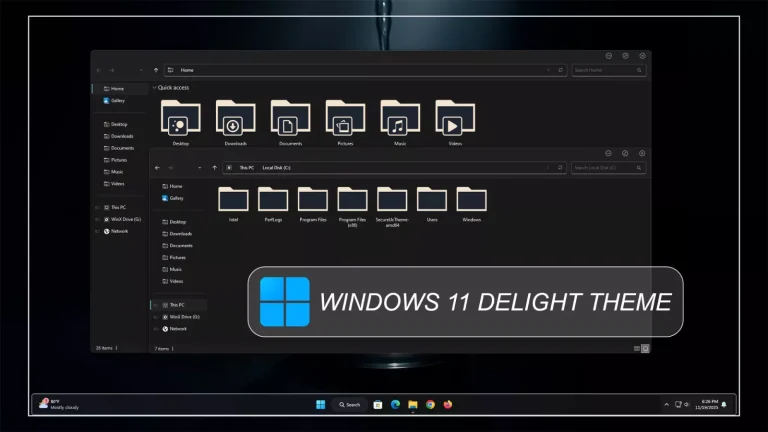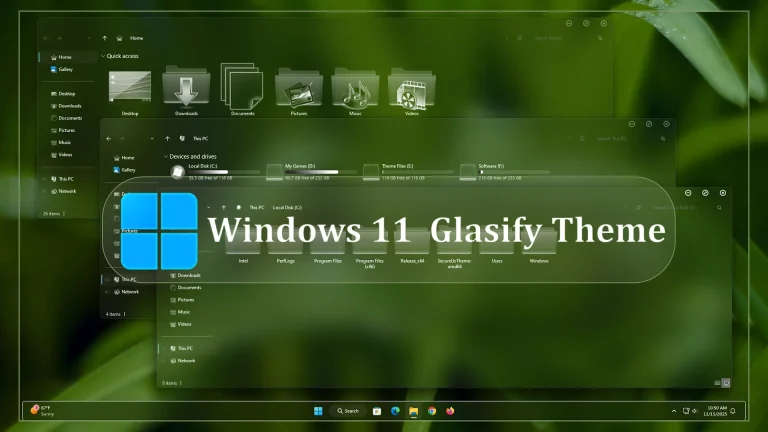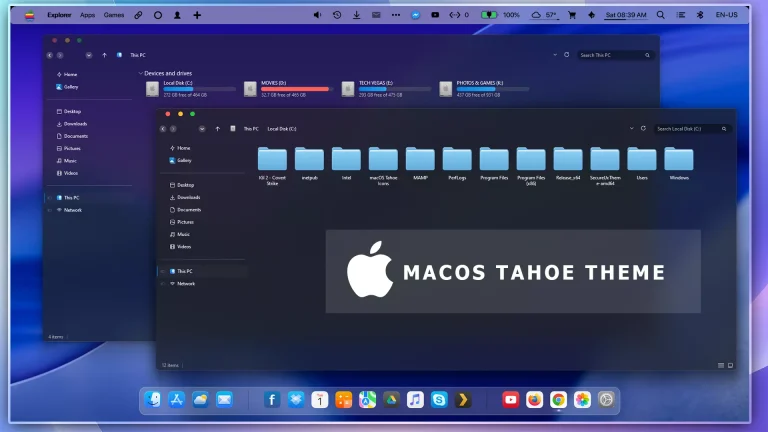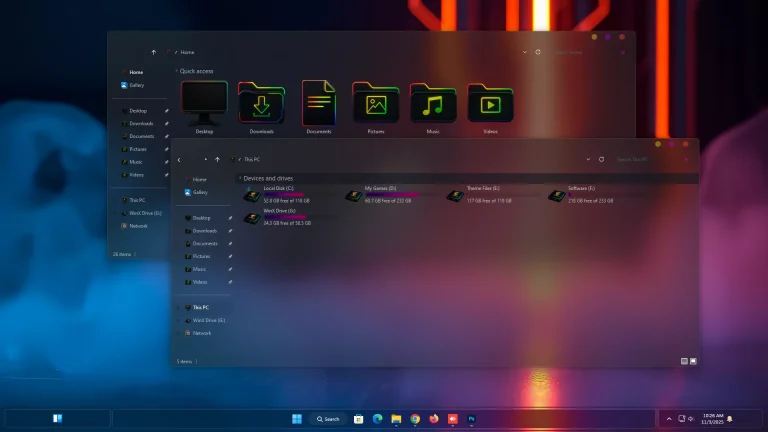
Aero Glass Theme For Windows 11
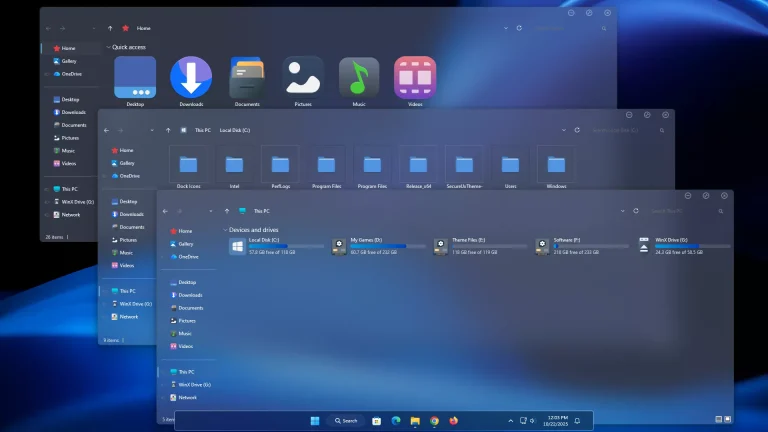
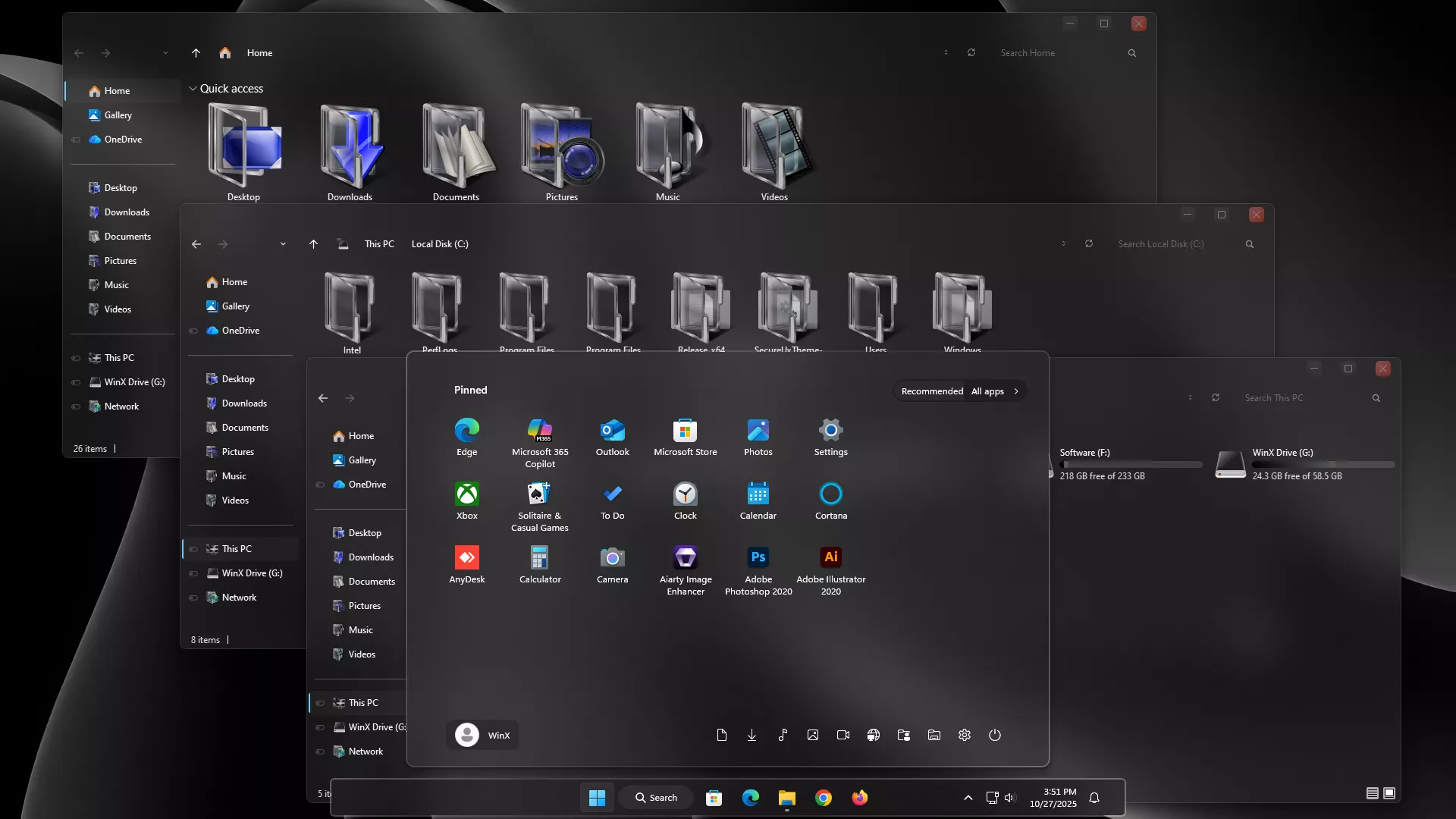
Aero Glass Theme For Windows 11 : The Aero Glass Theme for Windows 11 brings back the legendary transparency and glossy design of classic Windows, reimagined for the modern interface

Aero Glass Theme For Windows 11
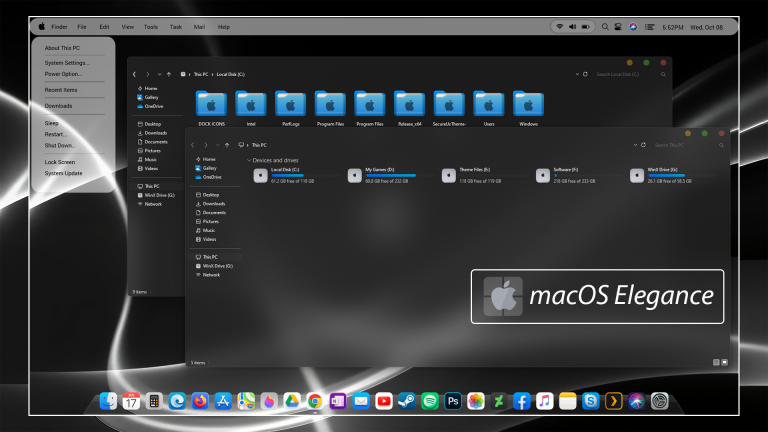
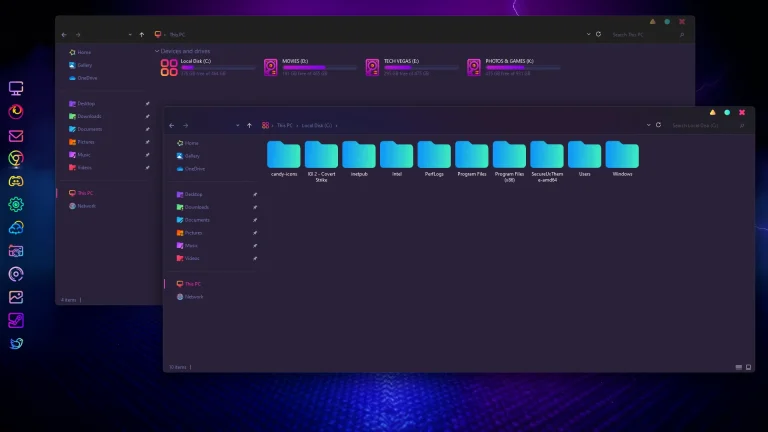
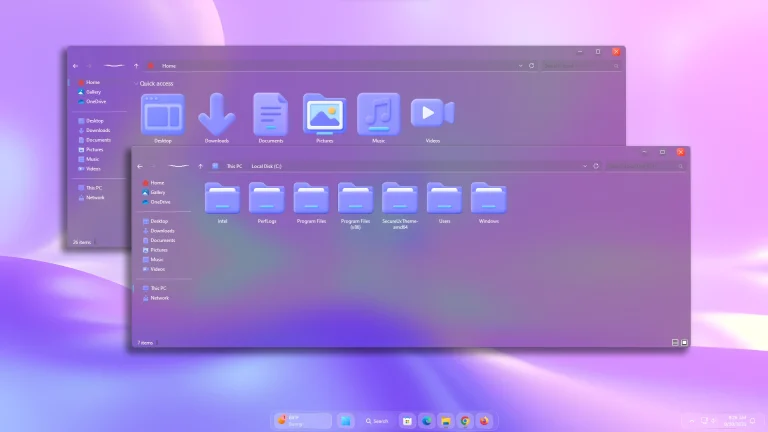
The Aero Glass Theme for Windows 11 brings back the legendary transparency and glossy design of classic Windows, reimagined for the modern interface. Inspired by the beloved Windows 7 Aero aesthetic, this theme combines crystal-clear transparency, smooth blur effects, and soft glow edges to give your desktop a refreshing and elegant visual upgrade
Every detail—from the taskbar and title bars to system menus and window borders—has been carefully redesigned to reflect the signature glass-like finish that made Aero iconic. The result is a lightweight, fluid, and modern interface that blends perfectly with Windows 11’s rounded design and minimal layout
The Aero Glass Theme is fully compatible with dark and light modes, offering adjustable transparency levels for a customized appearance. It pairs beautifully with 7TSP Aero Glass Icon Packs, Rainmeter skins, and Windhawk Start Menu styles, allowing you to create a complete glass-inspired setup..
- 21H2 YES
- 22H2 YES
- 22H3 YES
- 24H2 YES
- 25H2 YES
- Windows 11 Theme
- Extras
- I recommend creating a restore point before starting your customization.
- This third-party theme will only work if you install Theme Patcher, so definitely install Theme Patcher.
- If you’re new to customization, check out this page that explains in detail how to install Windows custom themes.
- Watch the video tutorial on My YouTube Channel for a visual guide on Windows custom themes customization.
- Or Check This Post for a guide on Windows custom themes Installation.
- Theme support: Windows 11
Theme Files 134MB
Download