7TSP Auros Gaming Icon Pack
7TSP Auros Gaming Icon Pack : Bring Gigabyte's AORUS series' bold, high-performance aesthetics right to your Windows desktop with the 7TSP Aorus Gaming Icon Pack

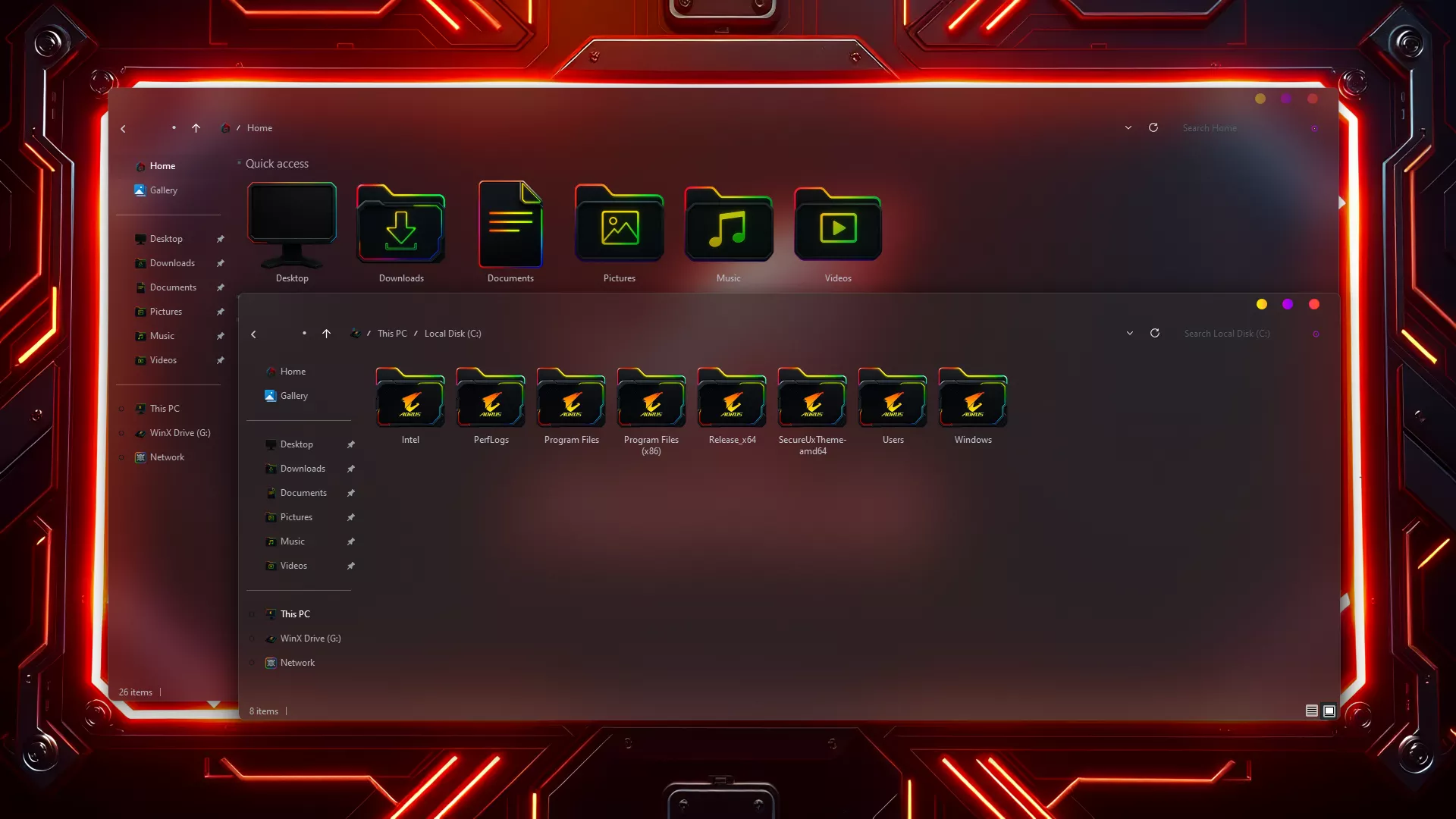
7TSP Auros Gaming Icon Pack For Windows
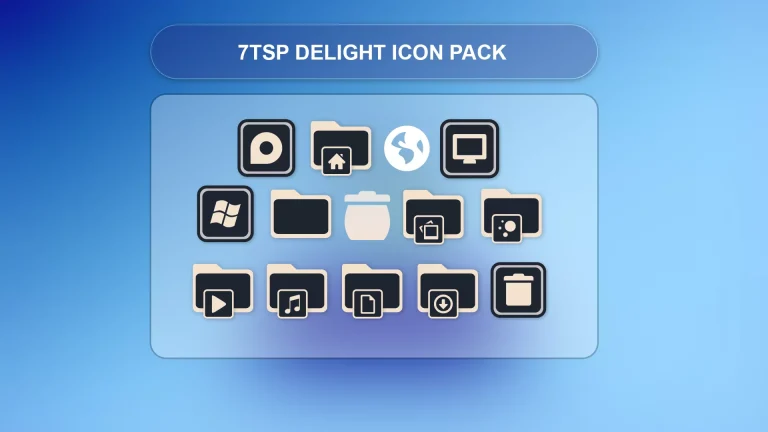
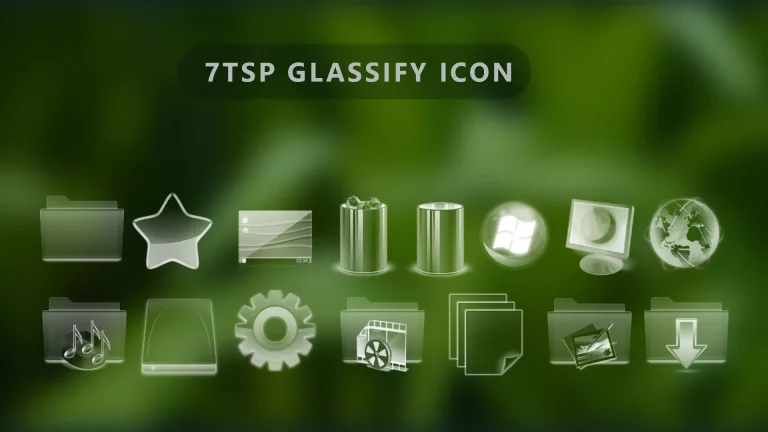
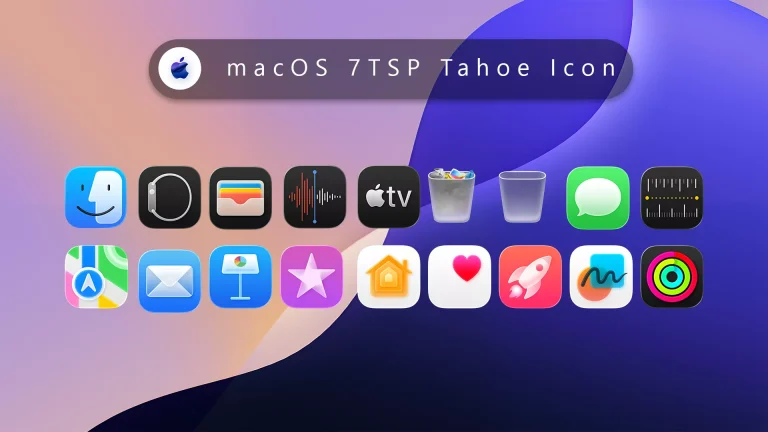
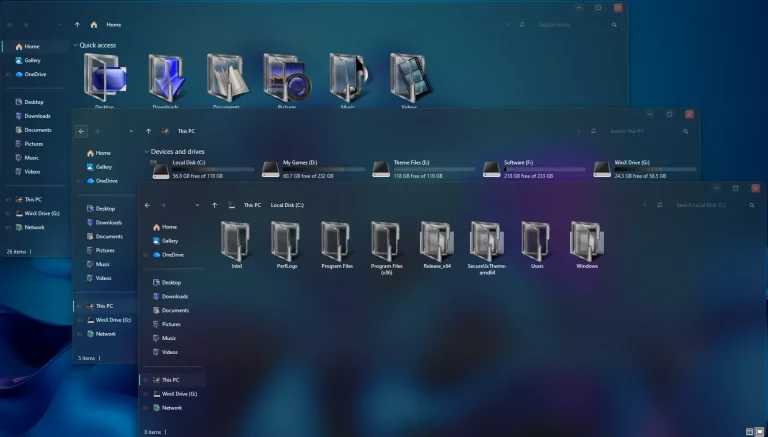
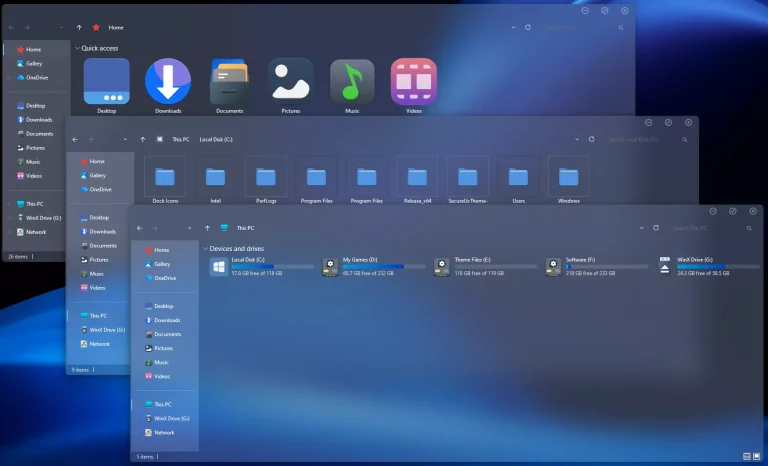
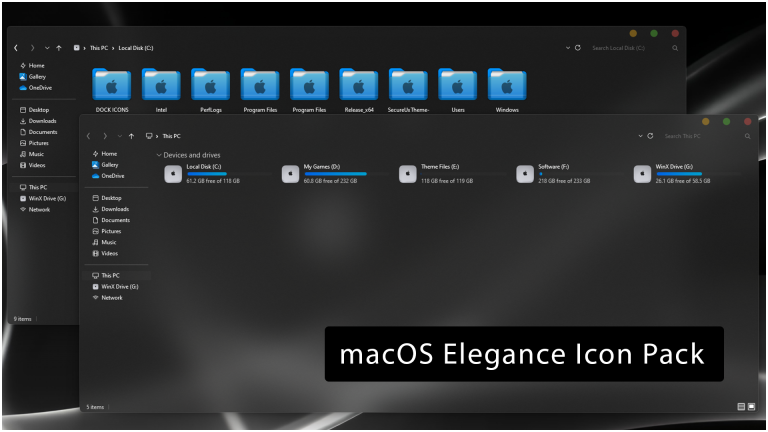
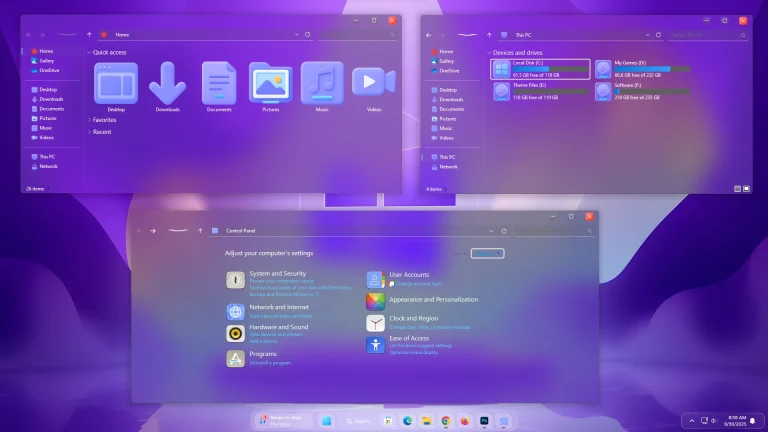
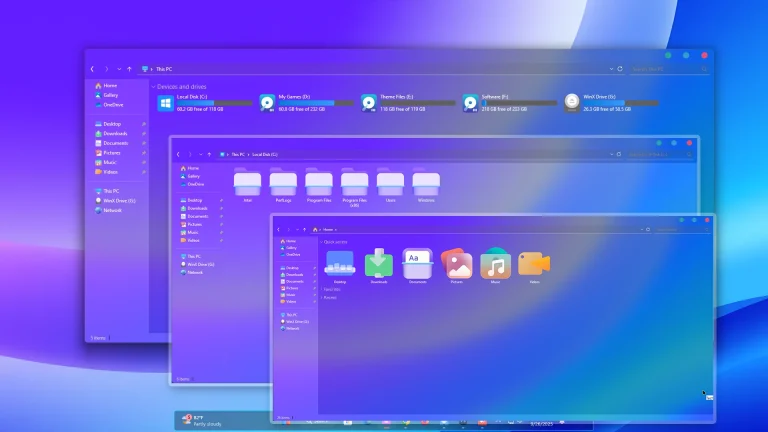
Bring Gigabyte’s AORUS series’ bold, high-performance aesthetics right to your Windows desktop with the 7TSP Aorus Gaming Icon Pack. Exclusively designed for 7TSP (Seven Theme Source Patcher), it reimagines standard Windows icons as sleek, RGB-inspired visuals that are synonymous with both gaming power and precision.
Each icon is crafted with metallic textures, glowing highlights, and sharp geometric edges that reflect the futuristic energy of AORUS hardware. From drives and folders to the control panel icons and system tools, the tiniest detail radiates a premium gaming vibe that merges perfectly with dark or neon desktop setups.
Optimized for Windows 10 and 11, Aorus Gaming Icon Pack comes with crystal-clear visuals for both HD and 4K. Installation is simple and safe via 7TSP; apply all icons with just one click, without manual editing.
- Windows 8/8.1
- Windows 10
- Windows 11
- 7TSP icon Pack
7TSP Icon Pack 10MB
Download